Part 14 of 24
Work: before and after
The Work page shows real YY jobs with before and after photos.
Step 1. Click Work on the top menu.

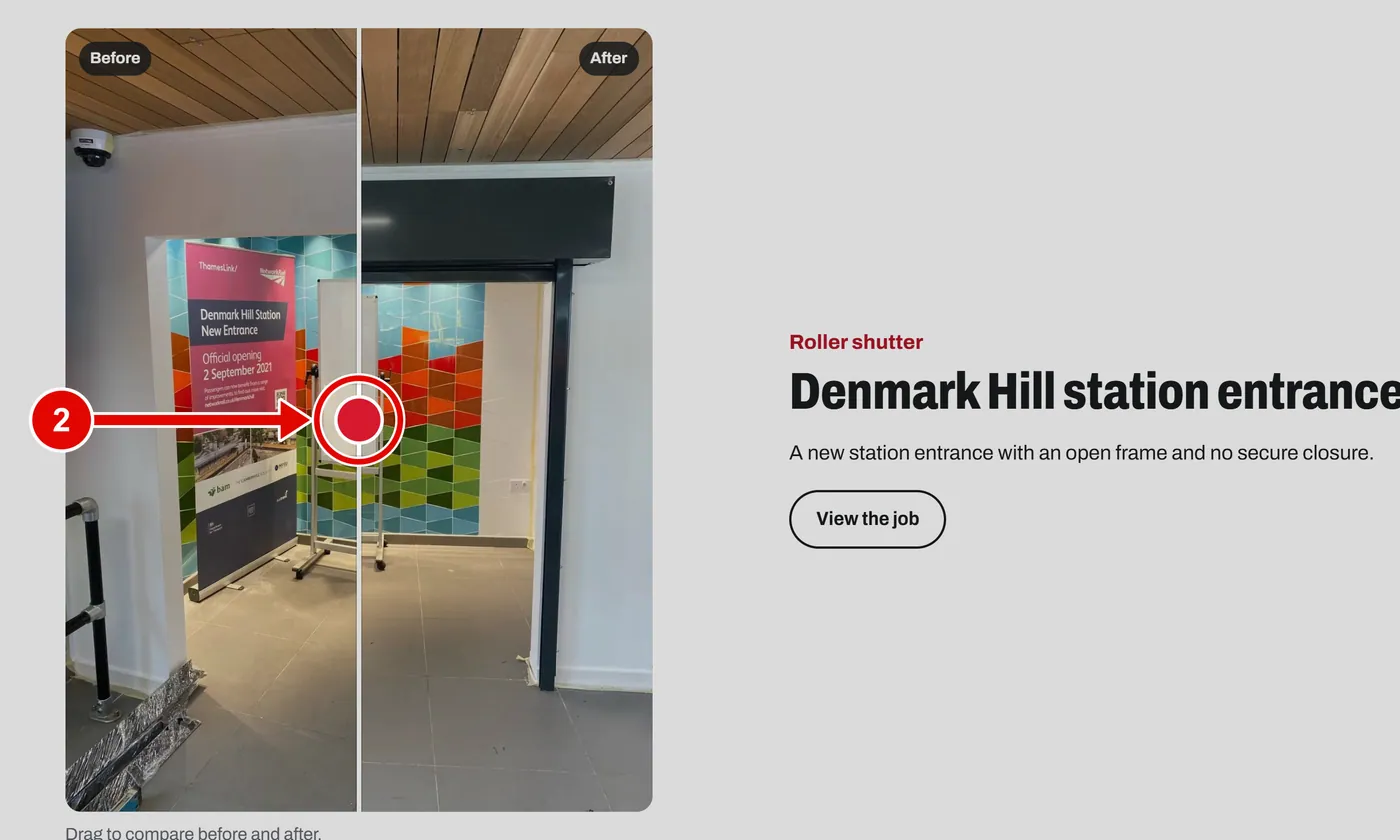
Step 2. Each job has a before and after photo, split by a round handle in the middle.
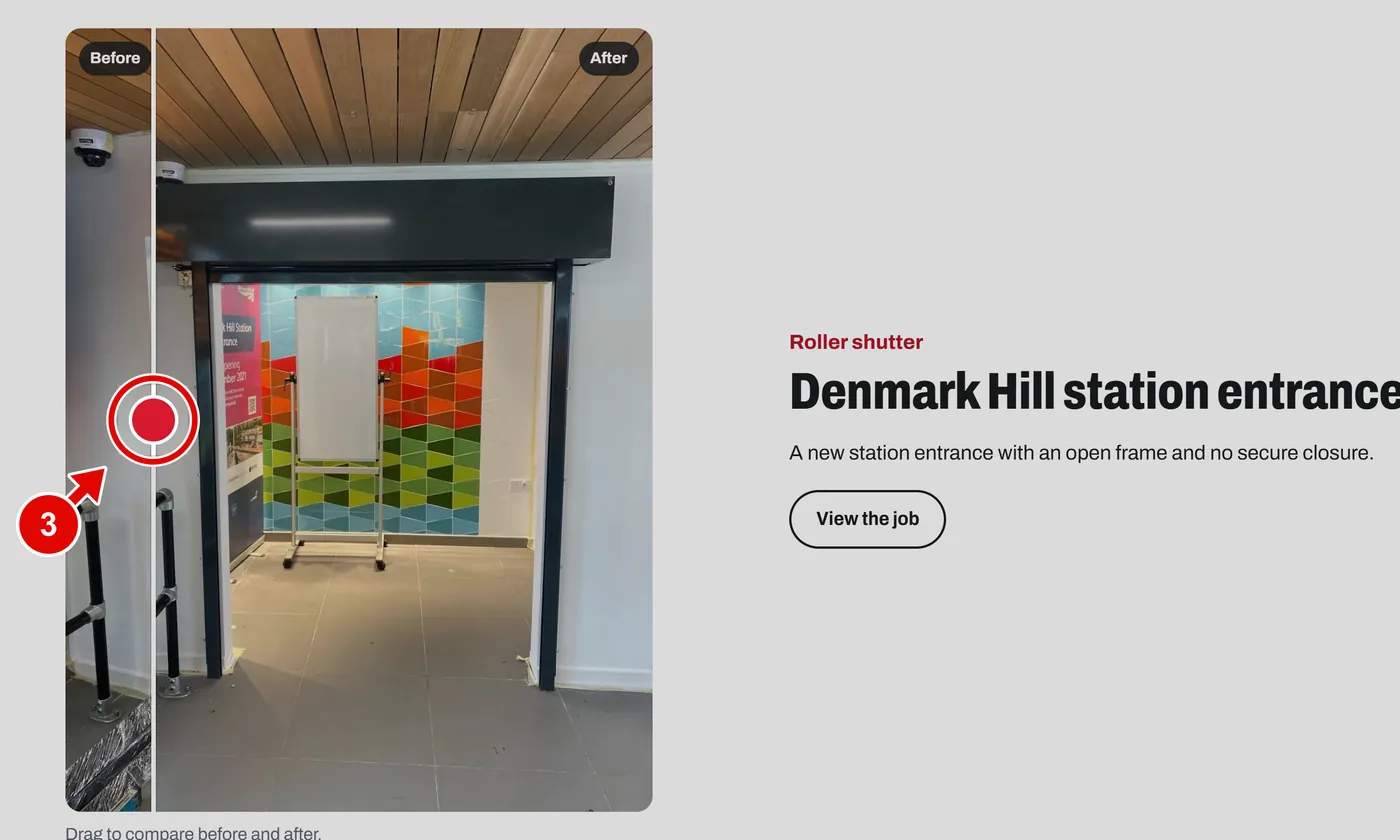
Step 3. Drag the handle left or right. You see more of the before or more of the after.
Good to know: On a phone, put your finger on the handle and slide it.
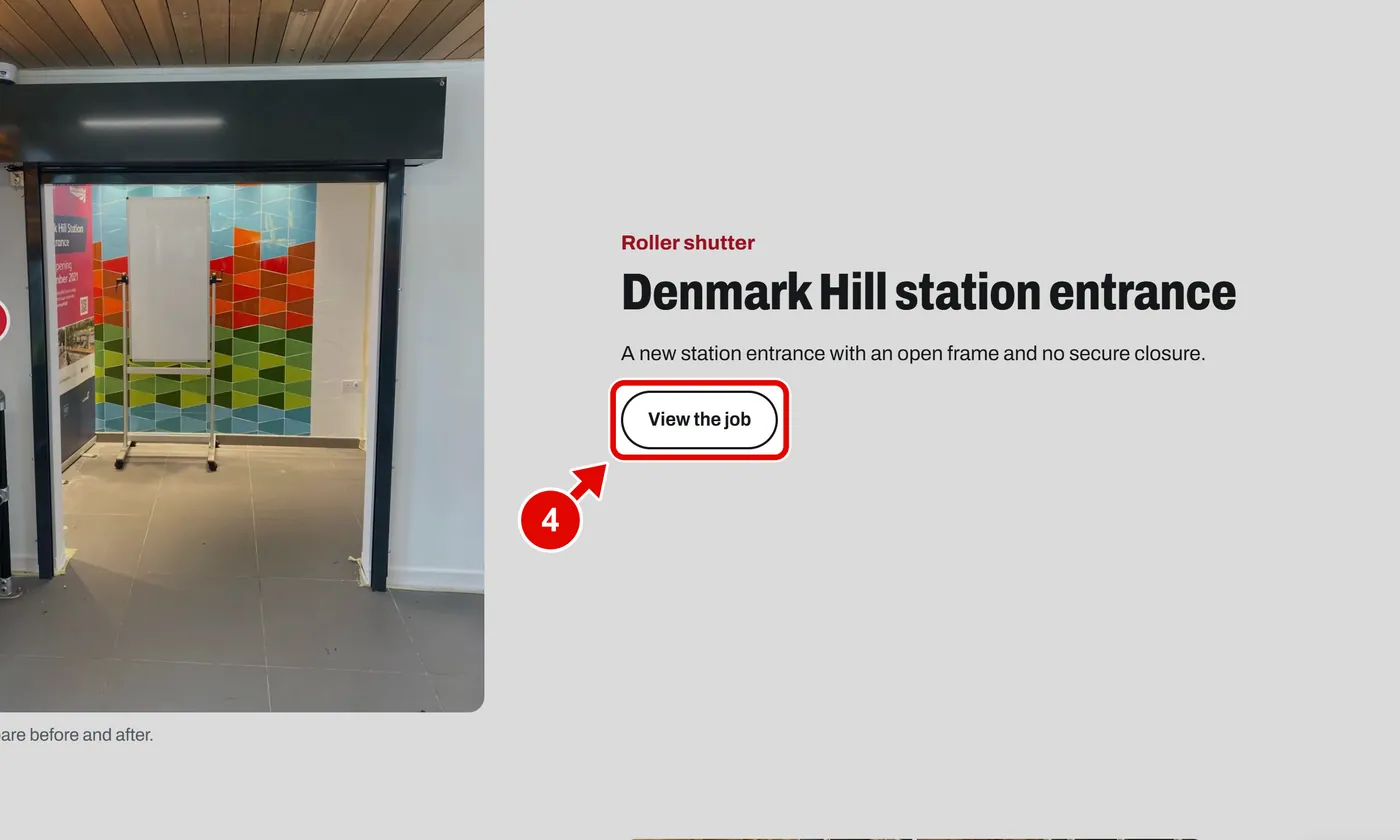
Step 4. Click View the job to read the full story.
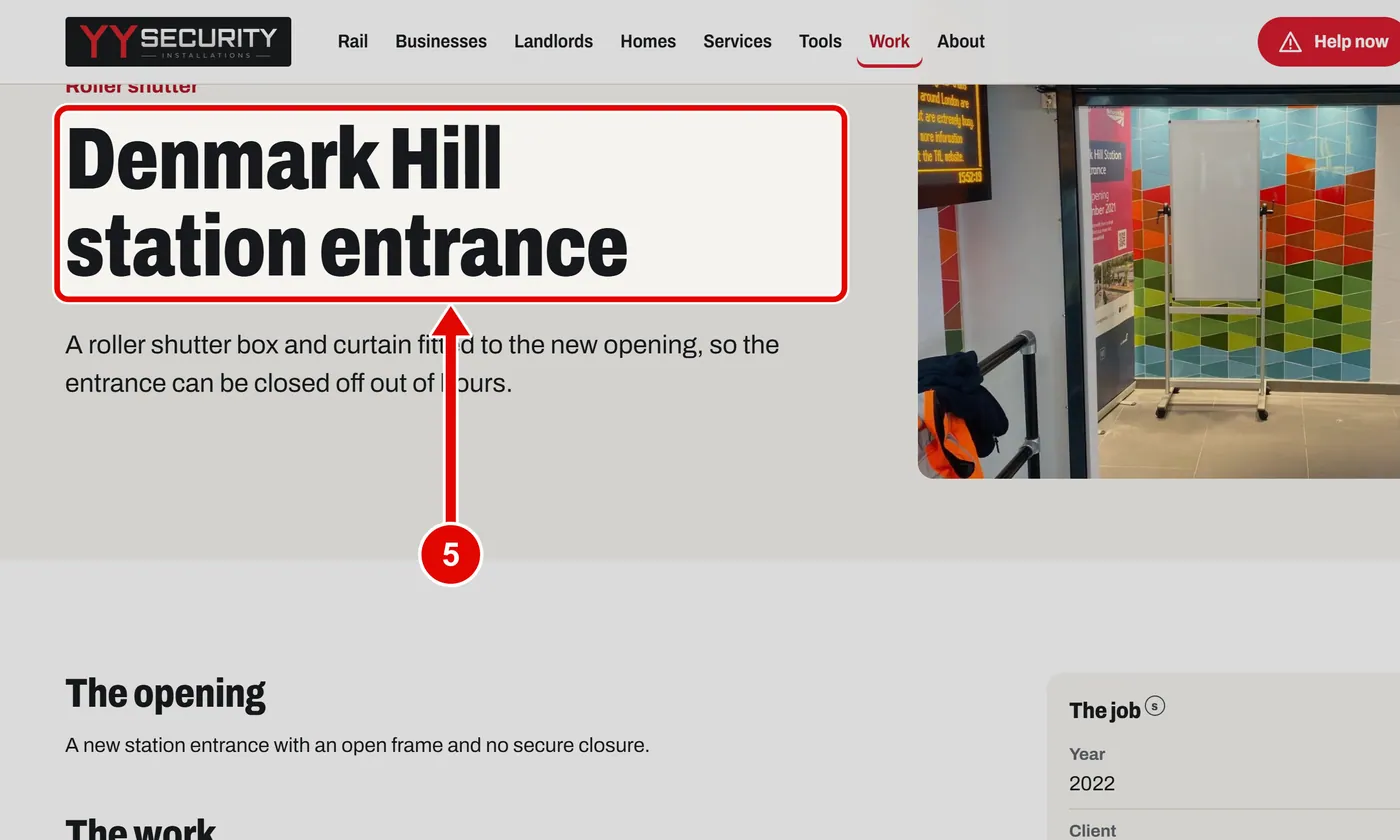
Step 5. The job page tells the story: the opening, the work and the result.
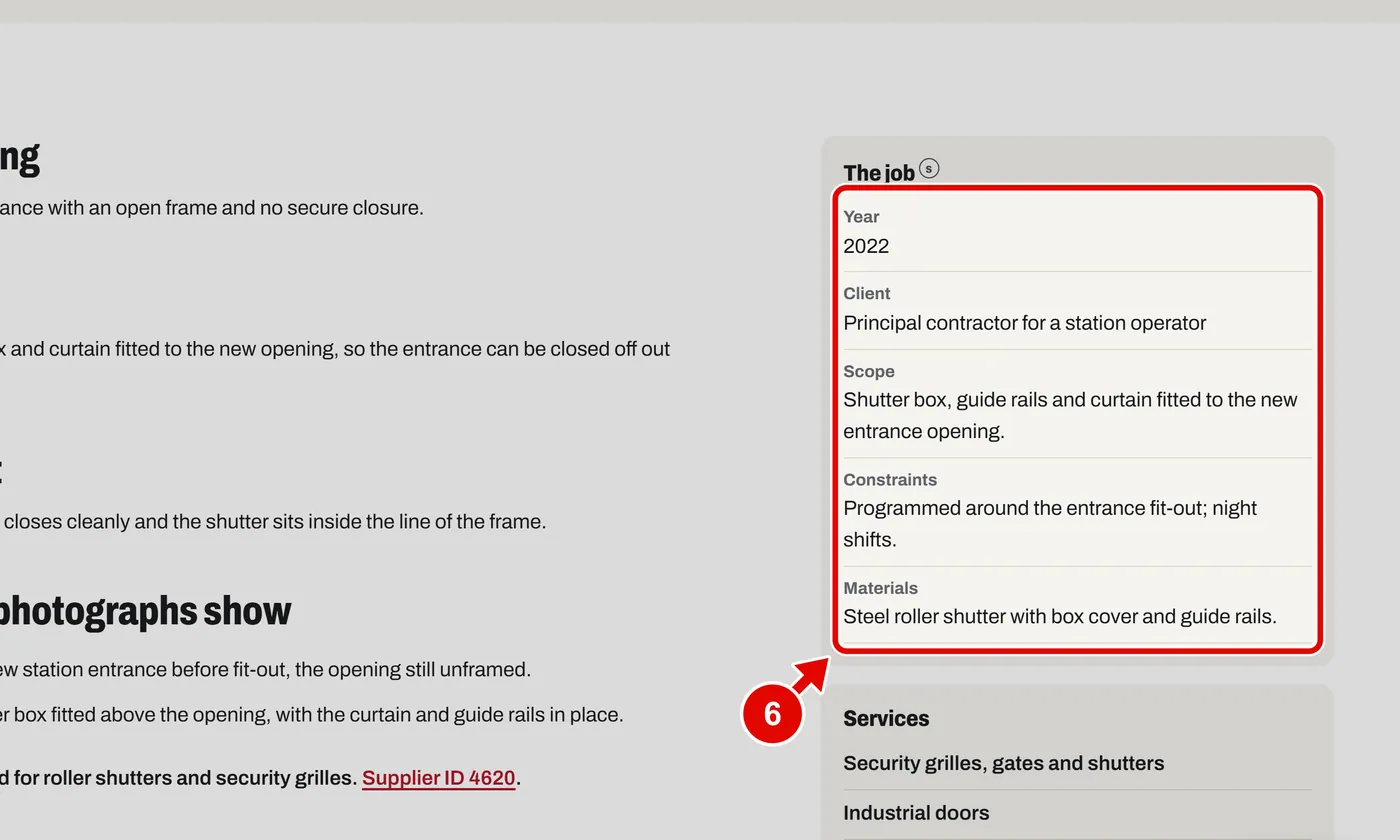
Step 6. The facts box: the year, the client and what was done.
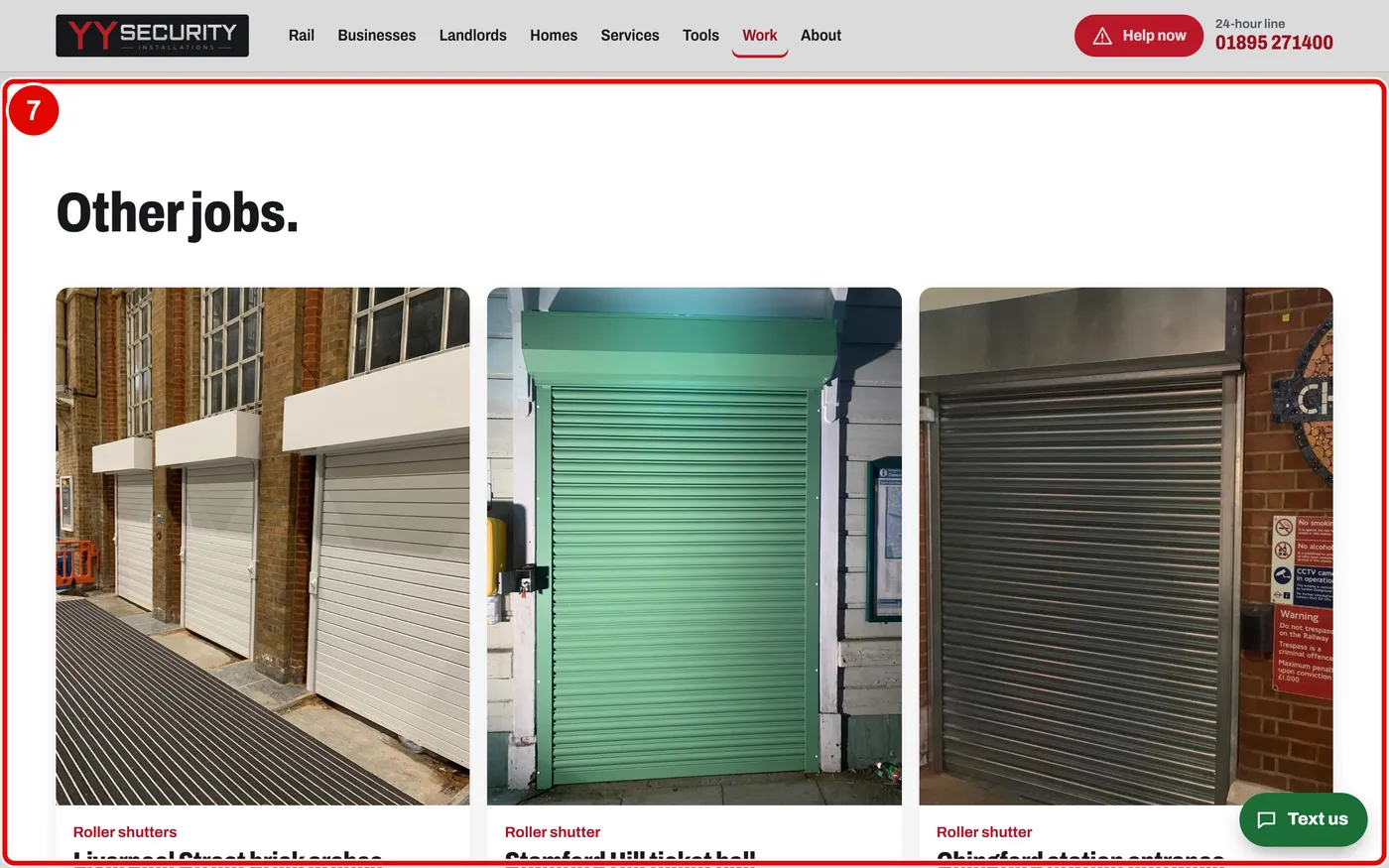
Step 7. At the bottom, click another job to keep reading.