Part 8 of 24
Security check-up
Ten easy questions about your home or business. You get a score out of 100 and a list of what to fix first.
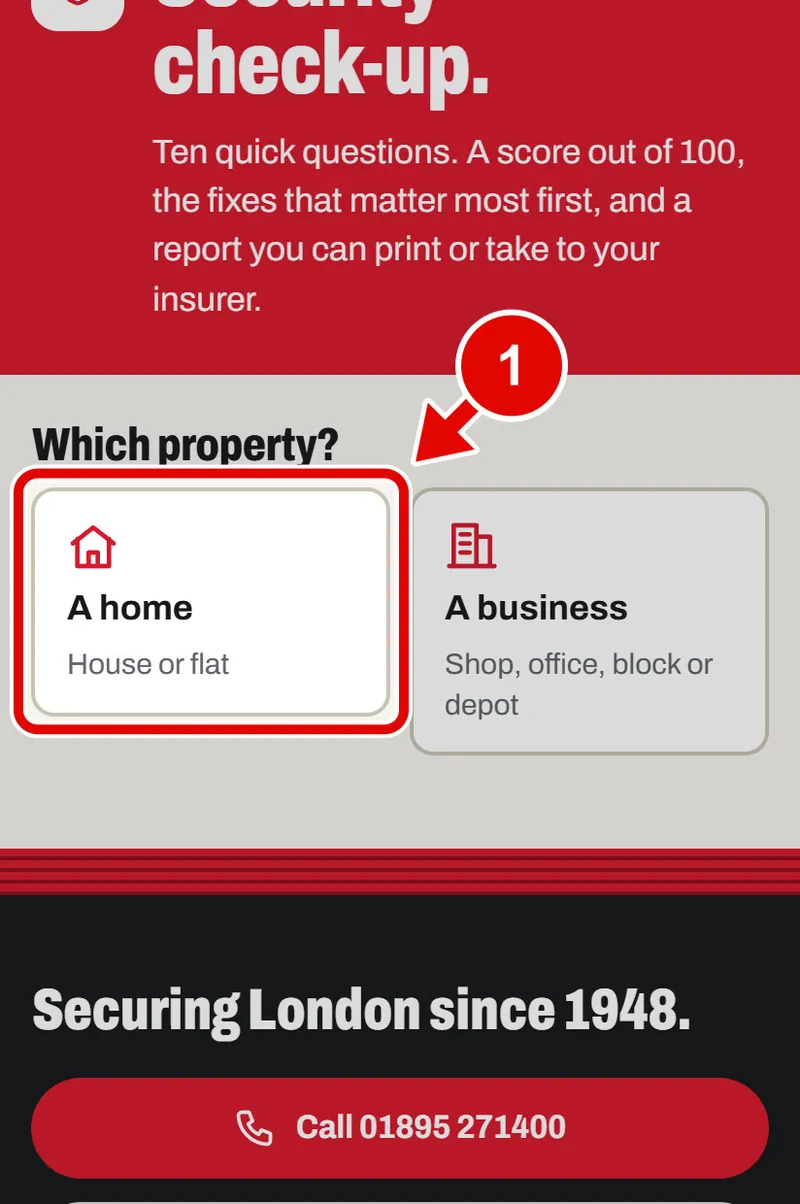
Step 1. Open Security check-up. Tap Home or Business. We tap Home.
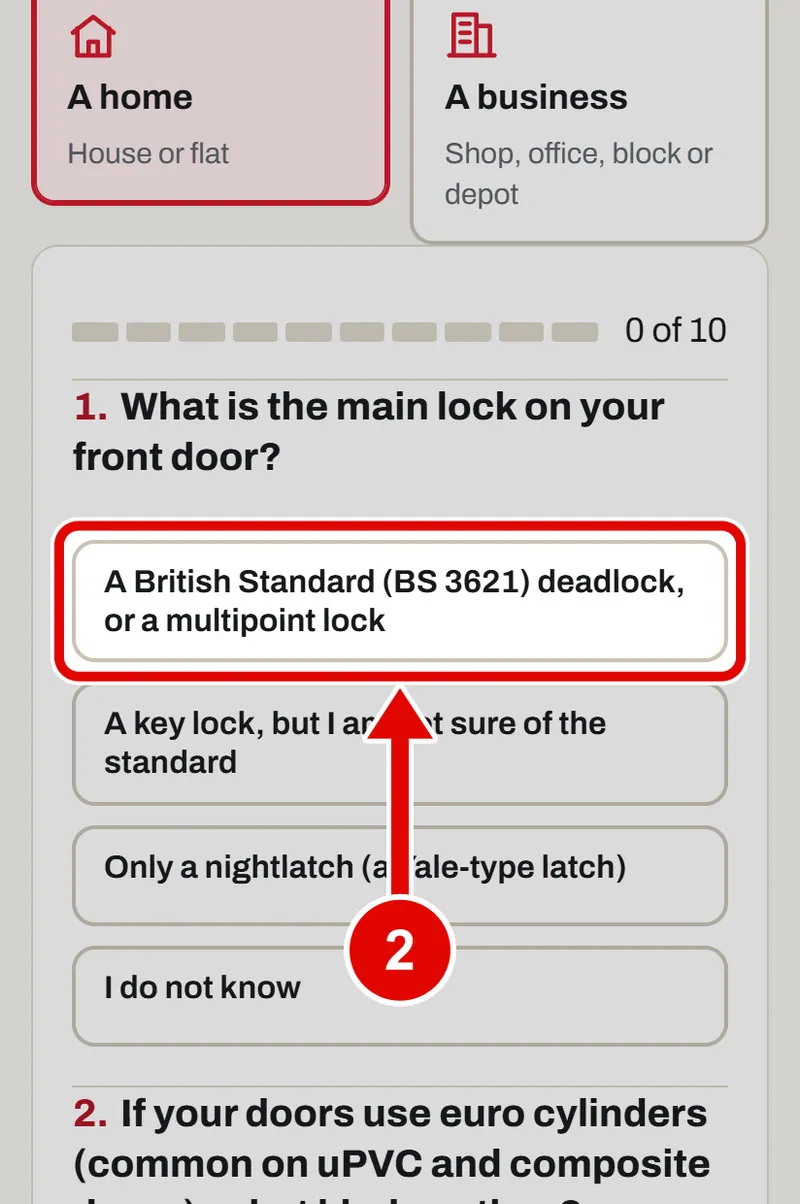
Step 2. Read the first question. Tap the answer that is true for you.
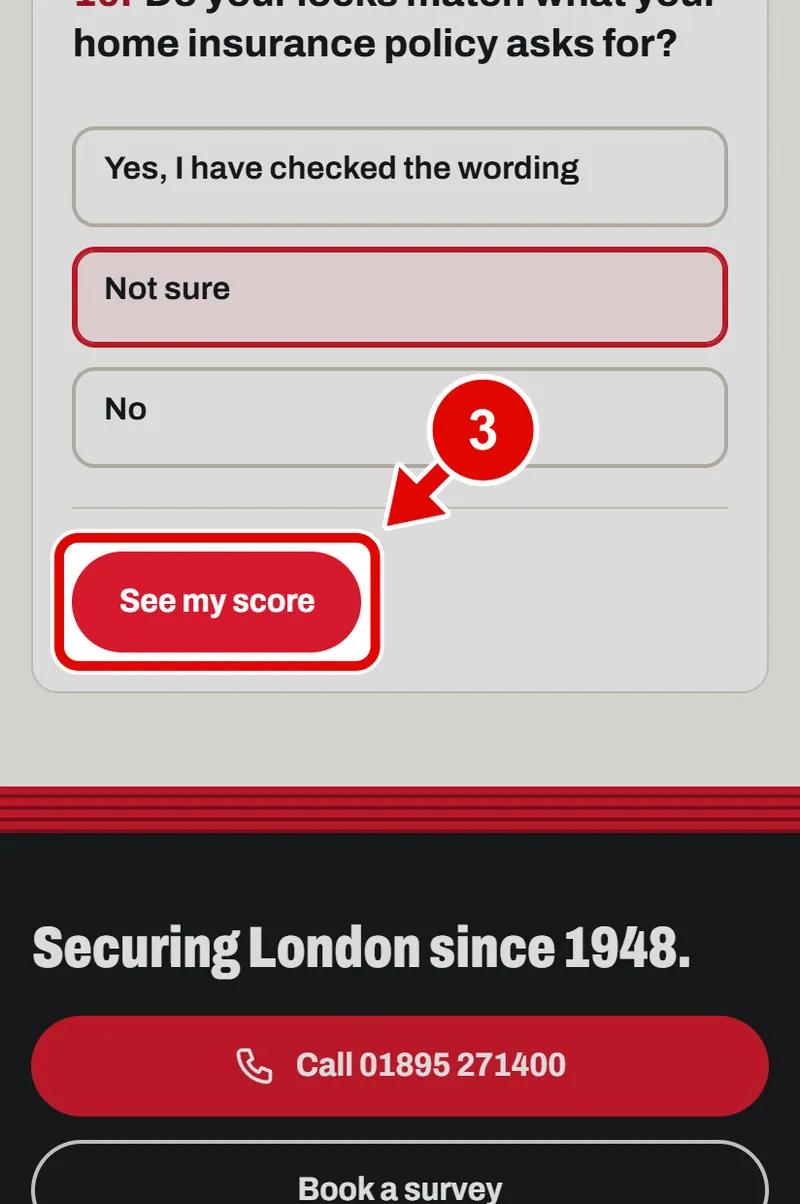
Step 3. Answer all the questions the same way. Then tap See my score.
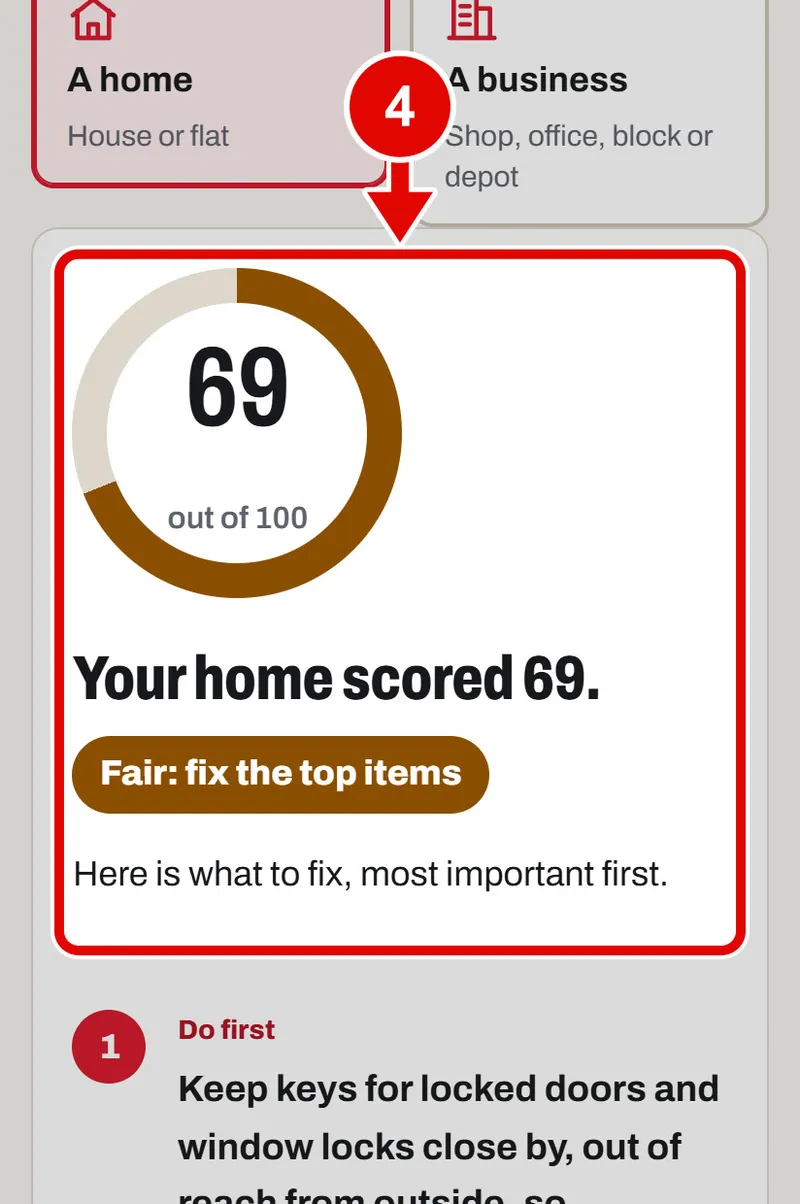
Step 4. This is your score out of 100. Higher is safer.
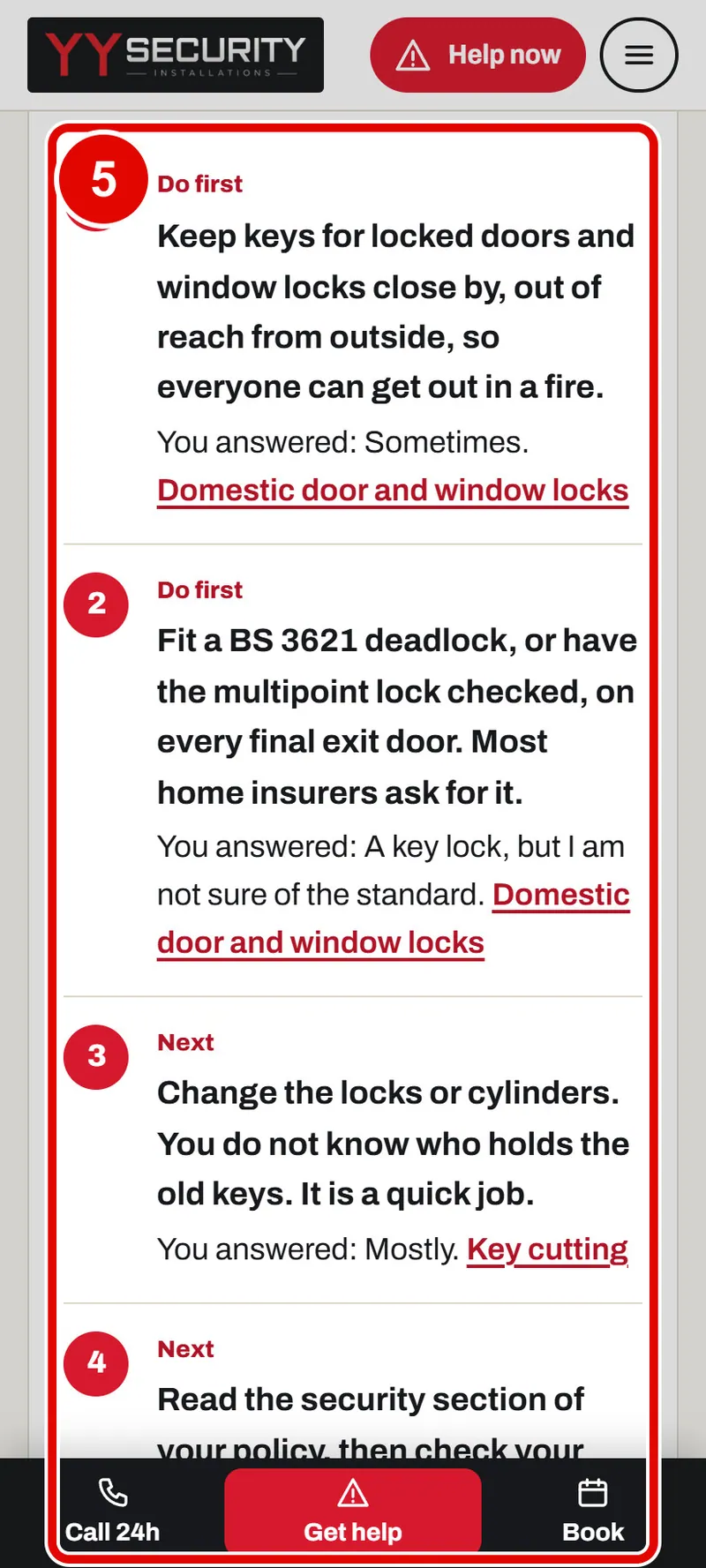
Step 5. Below is your report. It says what to fix first, then what to do next.
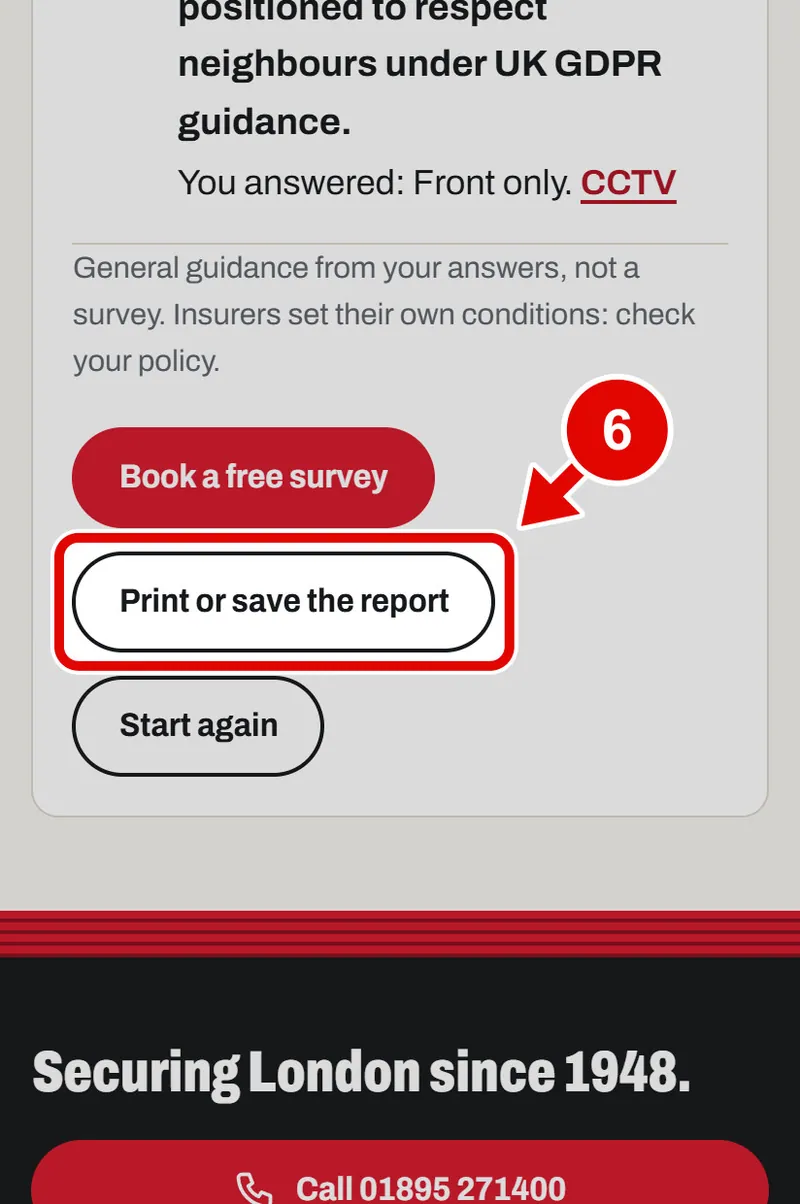
Step 6. Tap Print or save the report to keep it.
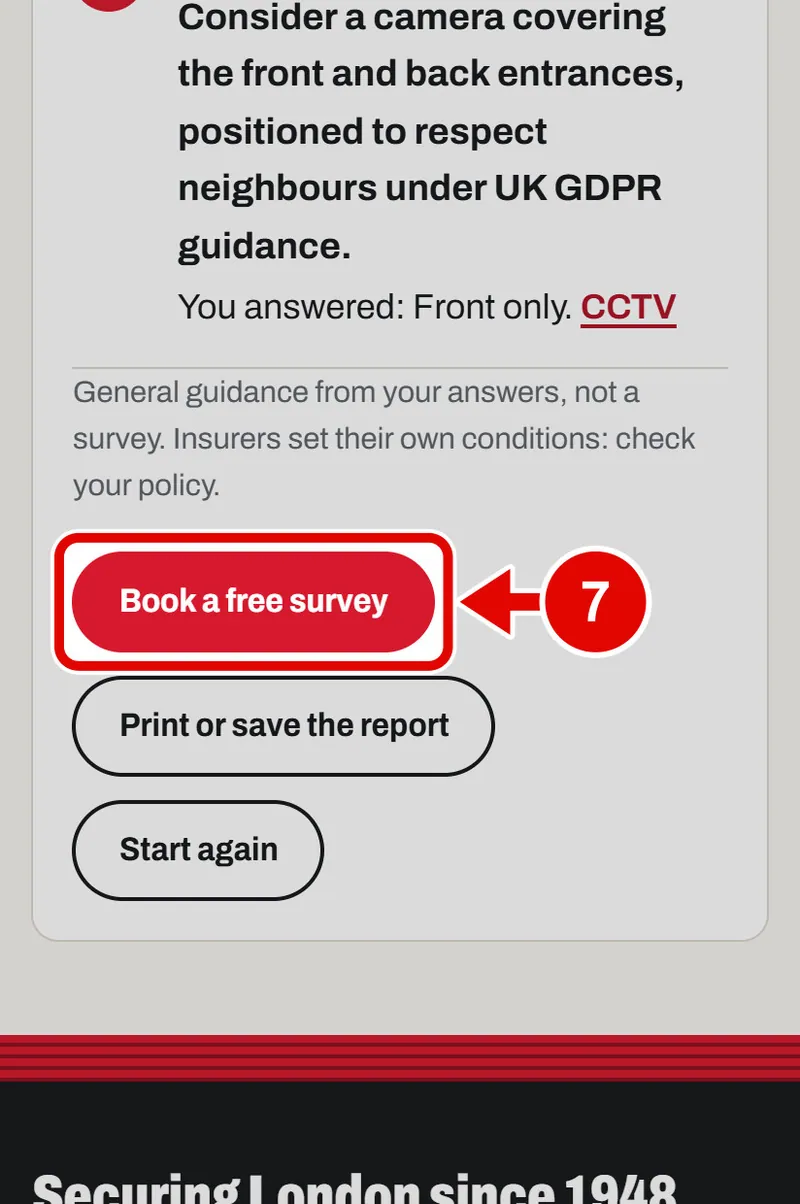
Step 7. Want help? Tap Book a free survey.
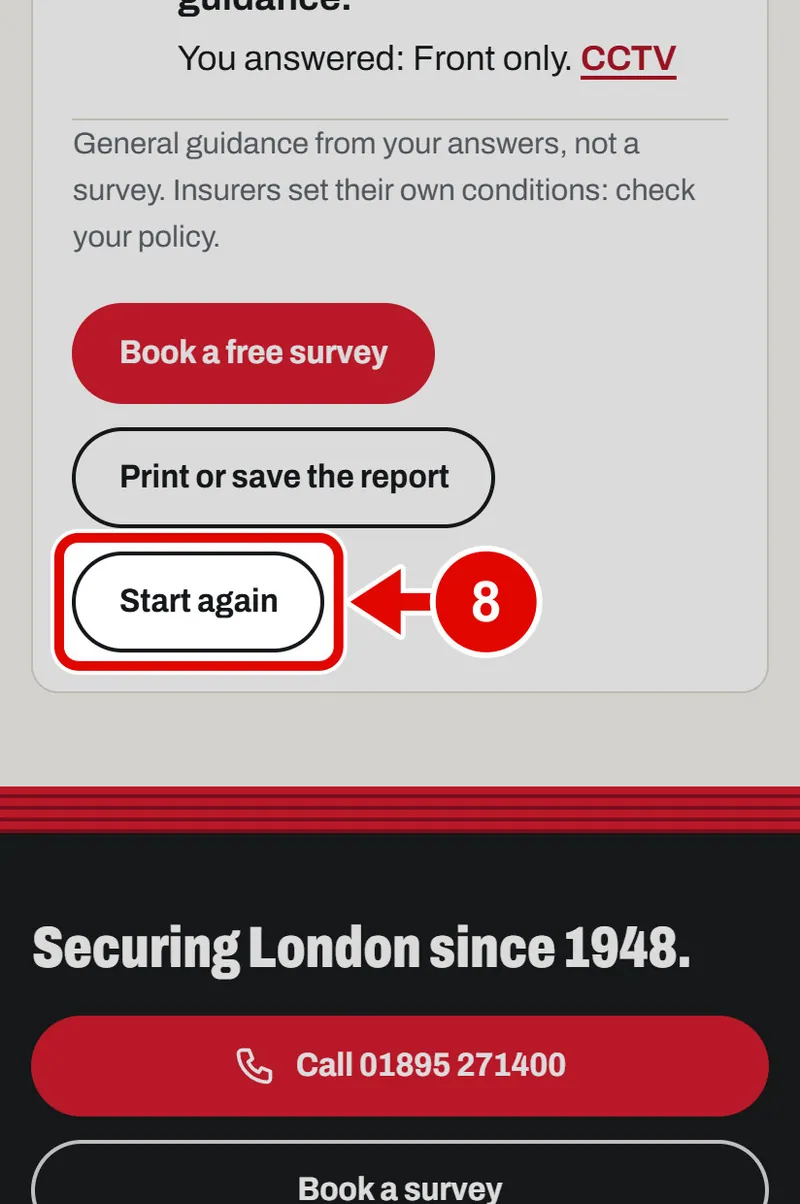
Step 8. Tap Start again to do it again.
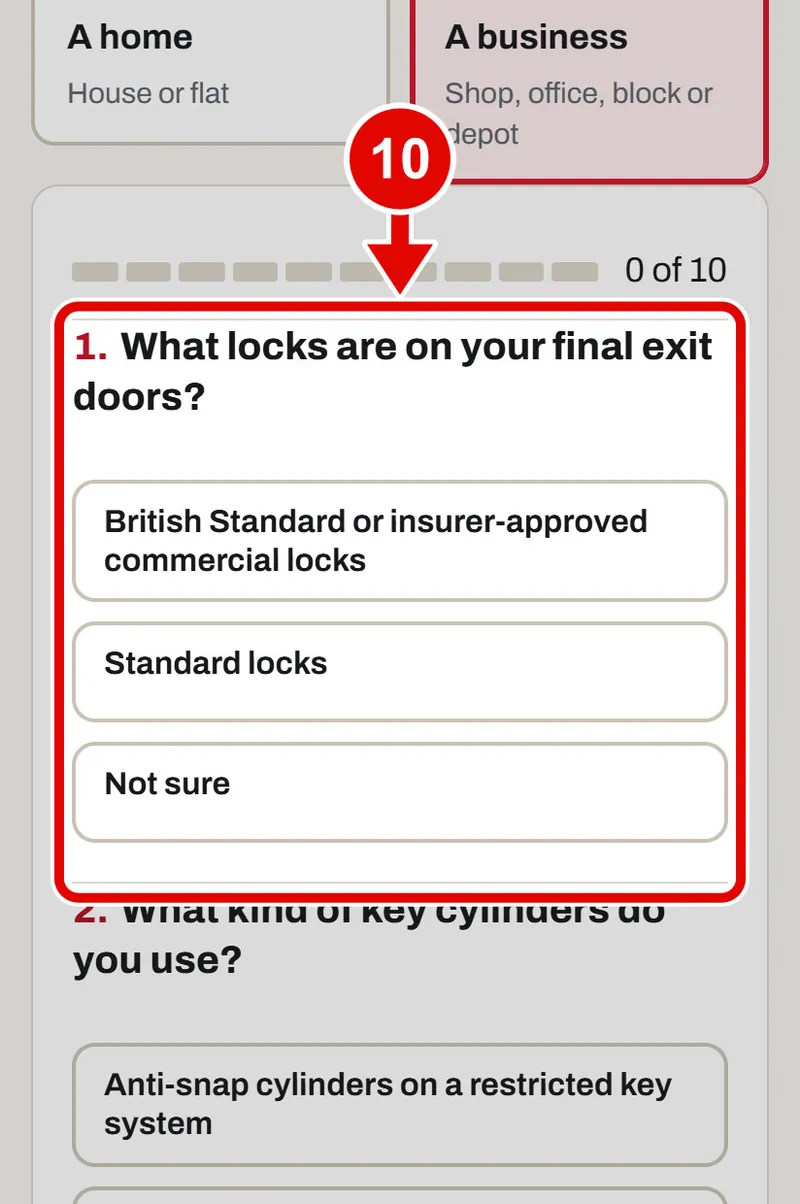
Step 9. For a shop, office or depot, tap Business.
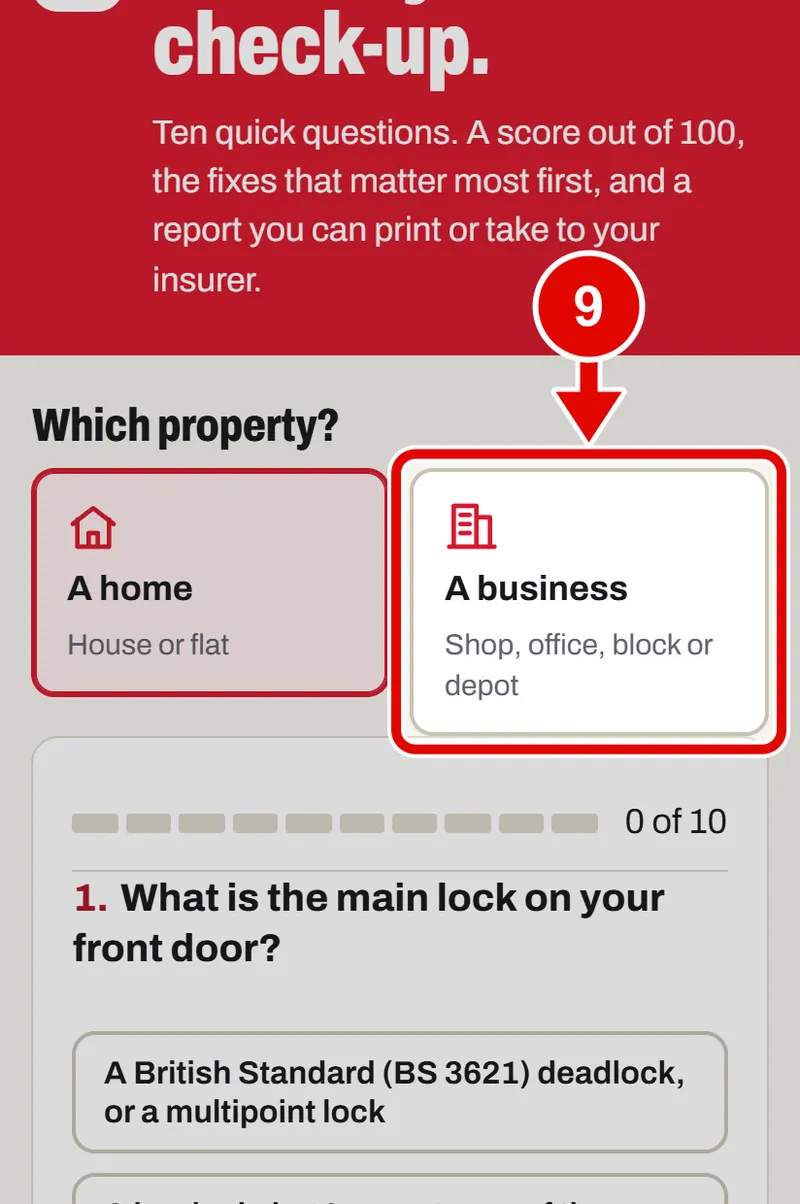
Step 10. The questions change to fit a business. Answer them the same way.