Part 7 of 24
Track my job
Track my job shows where your job is up to. You need your reference and your postcode.
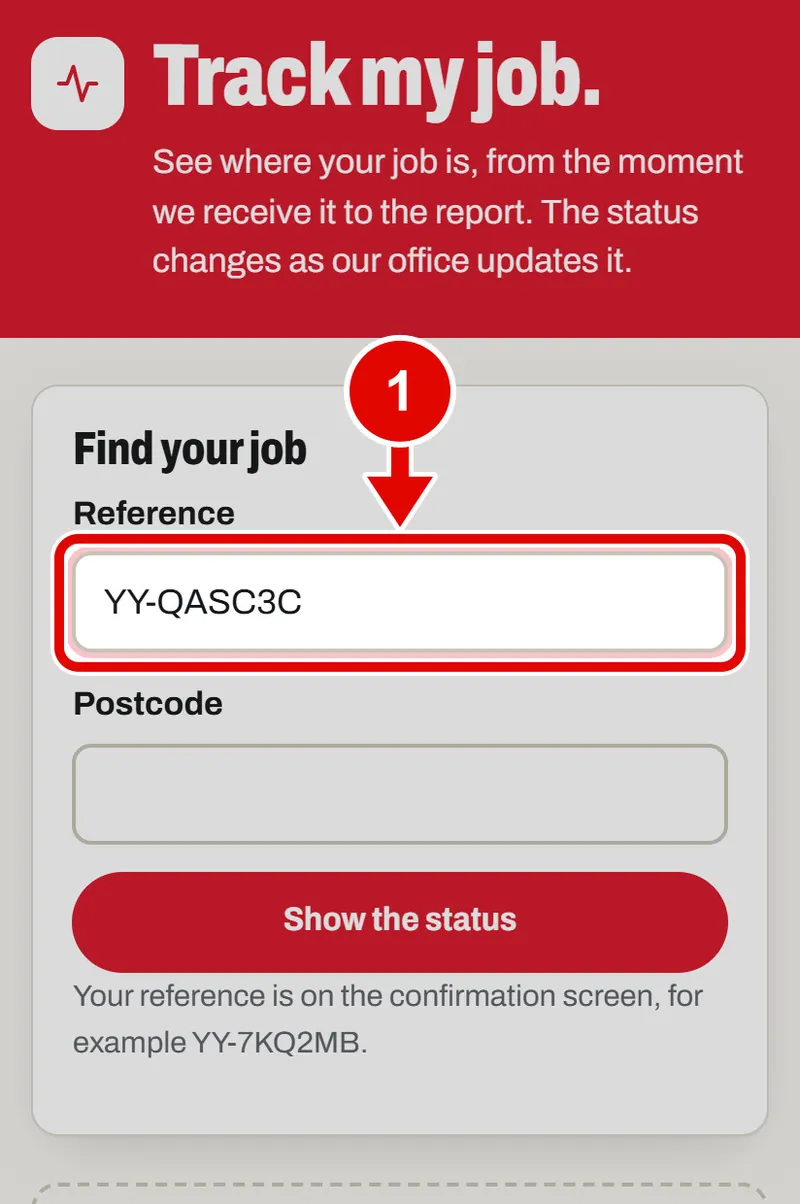
Step 1. Open Track my job. Tap Reference and type your reference.
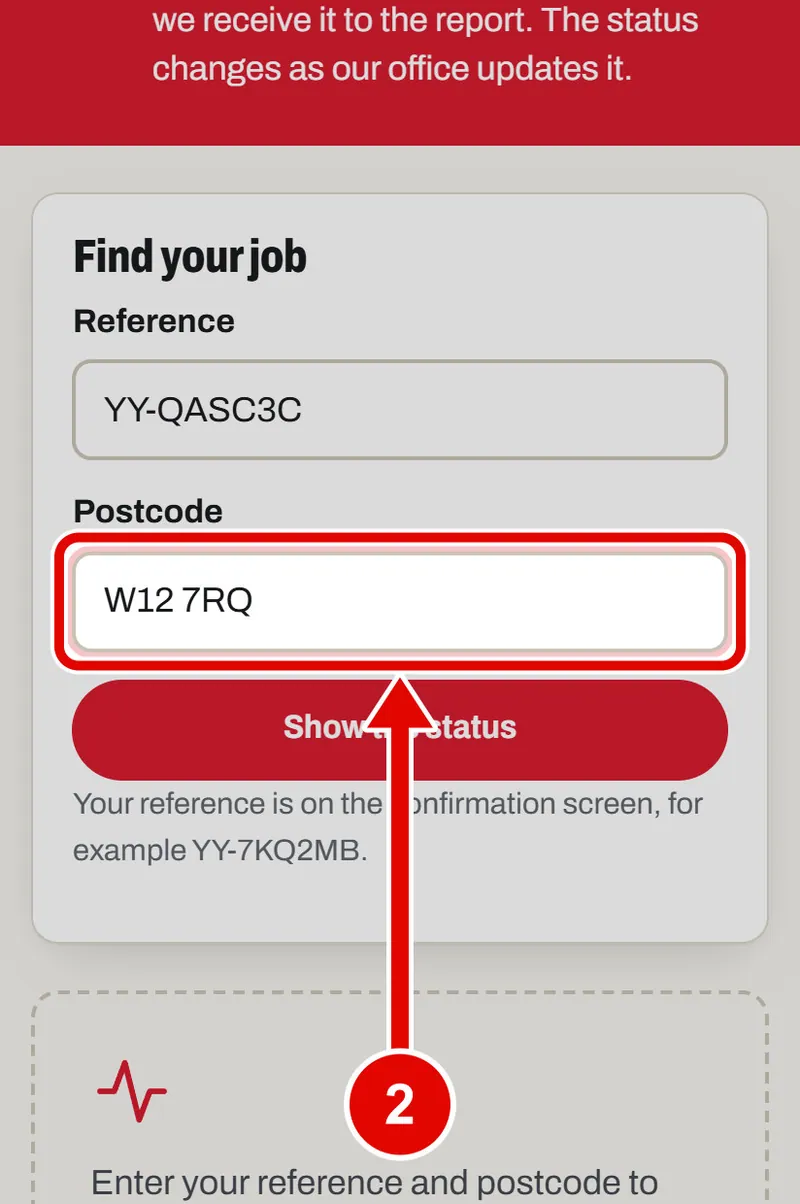
Step 2. Tap Postcode and type the postcode you gave.
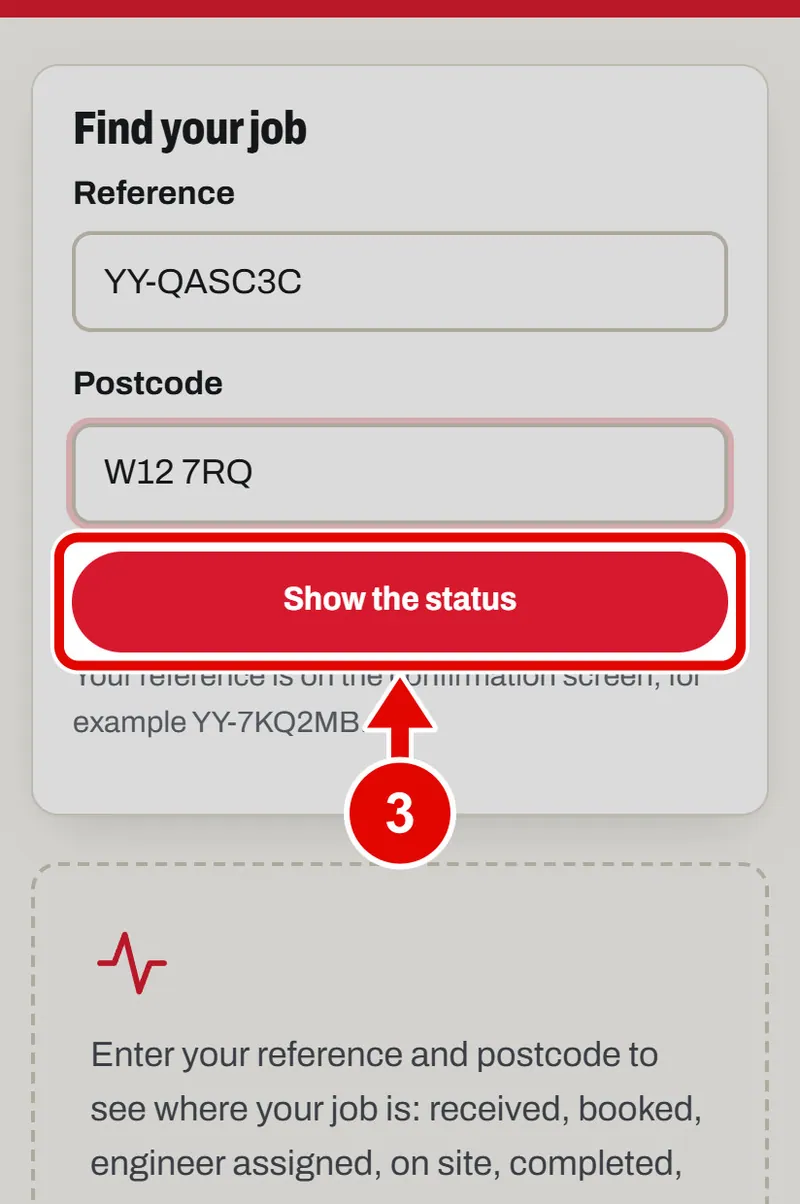
Step 3. Tap Show the status.
Step 4. Here is your job. The big words say where it is now. The list shows every stage, with ticks for the ones done.
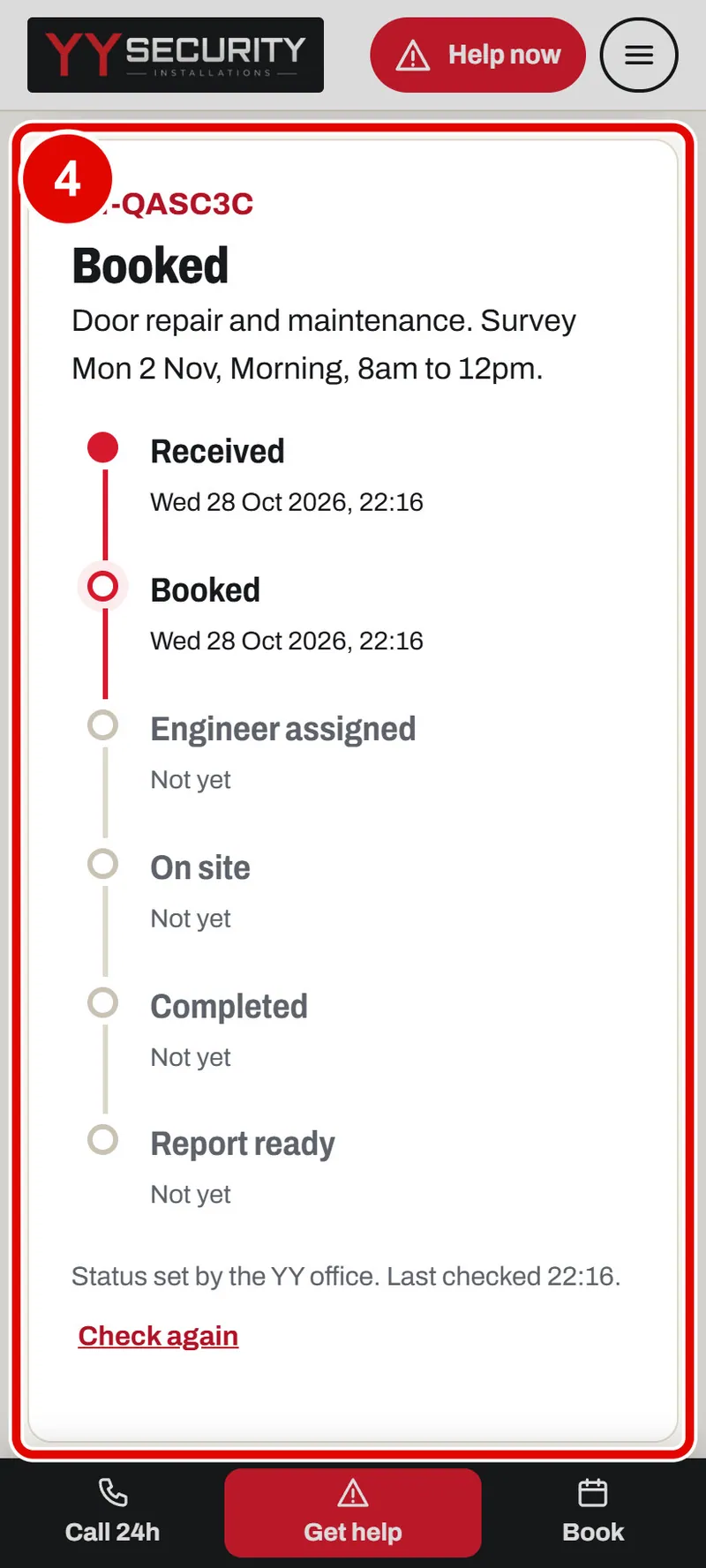
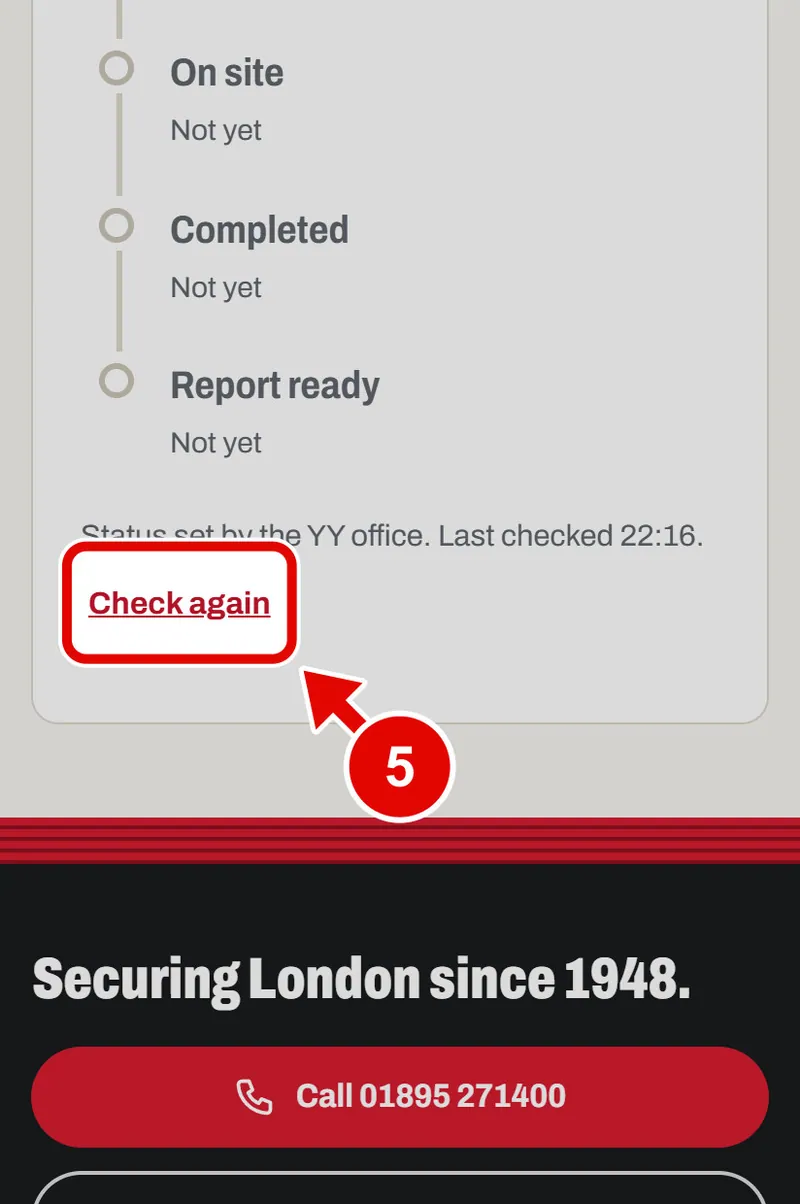
Step 5. Come back later and tap Check again to see if anything has changed.