Part 24 of 24
If something goes wrong
Do not worry. Here is what to do.
Step 1. Typed the wrong password and clicked Sign in?
Step 2. A red message tells you. Type the password again, slowly.
Good to know: Too many wrong tries locks the sign-in for a few minutes. Wait 15 minutes, or ring 01895 271400.
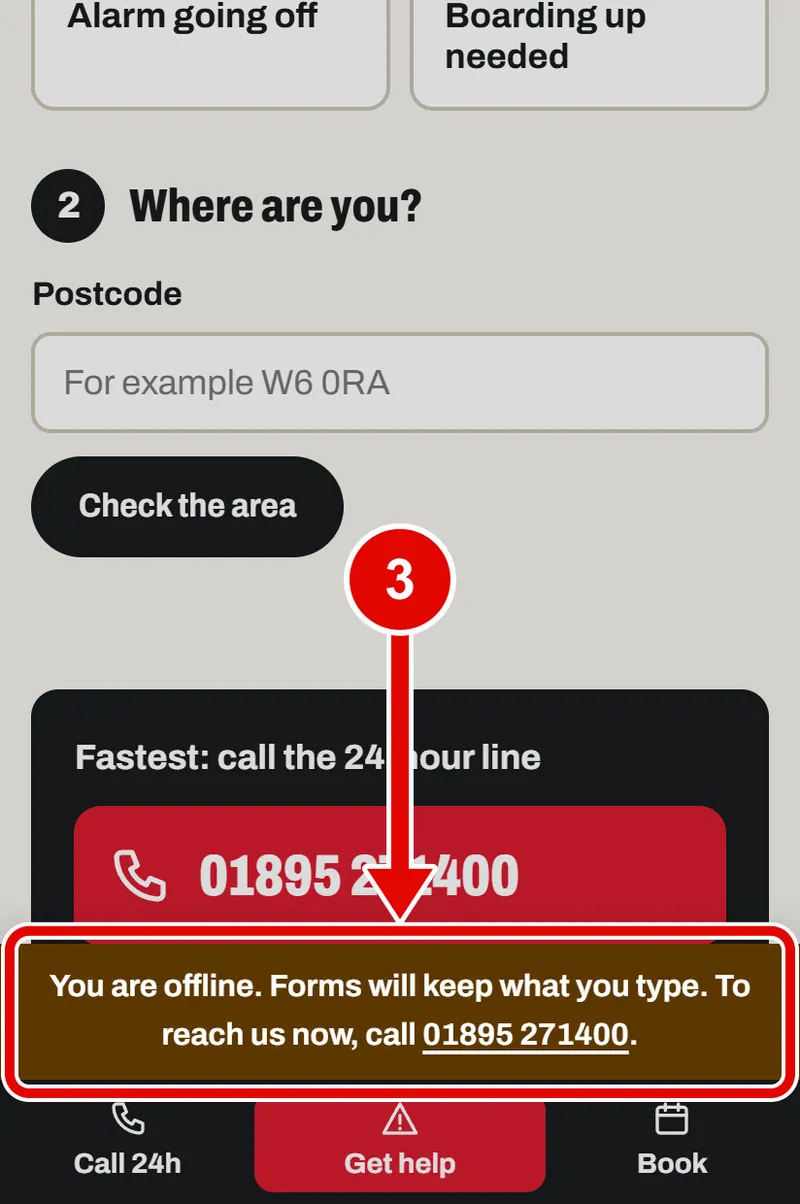
Step 3. No signal? A message says you are offline. What you typed is kept. You can still ring 01895 271400.
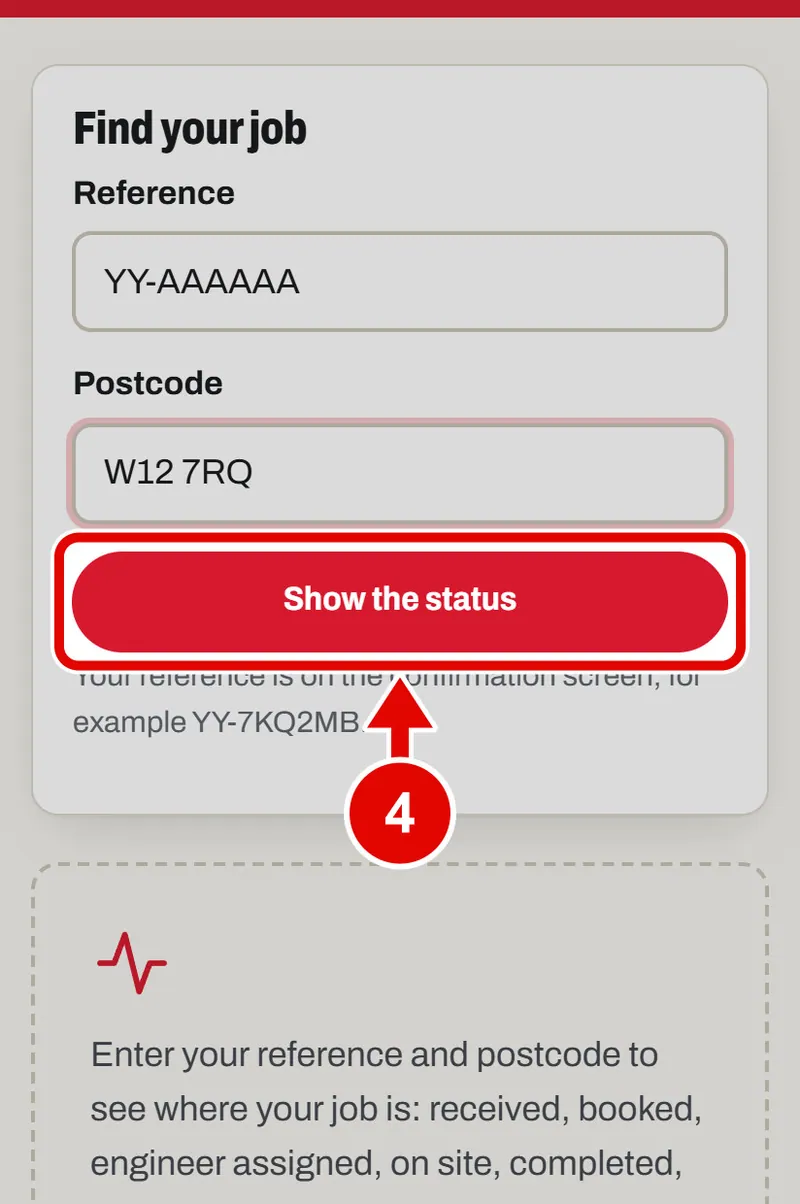
Step 4. Typed the wrong reference and tapped Show the status?
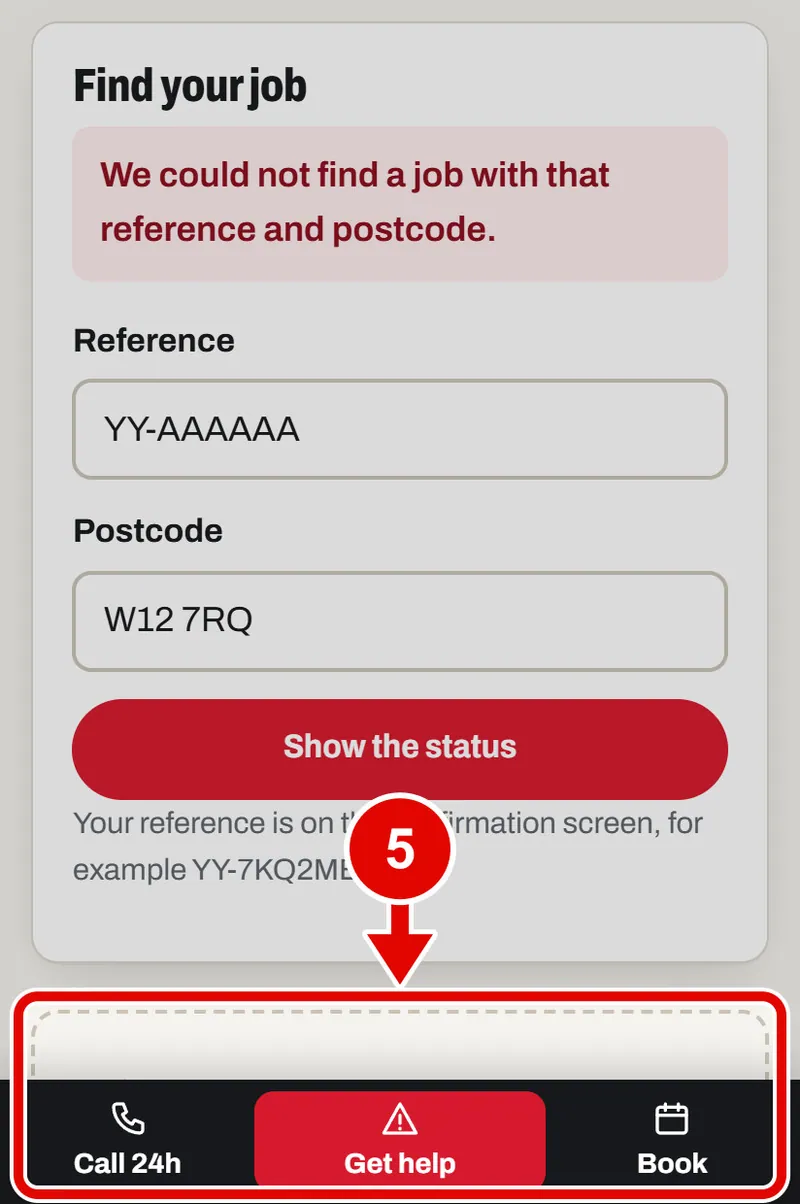
Step 5. It says the job was not found. Check the reference and the postcode.
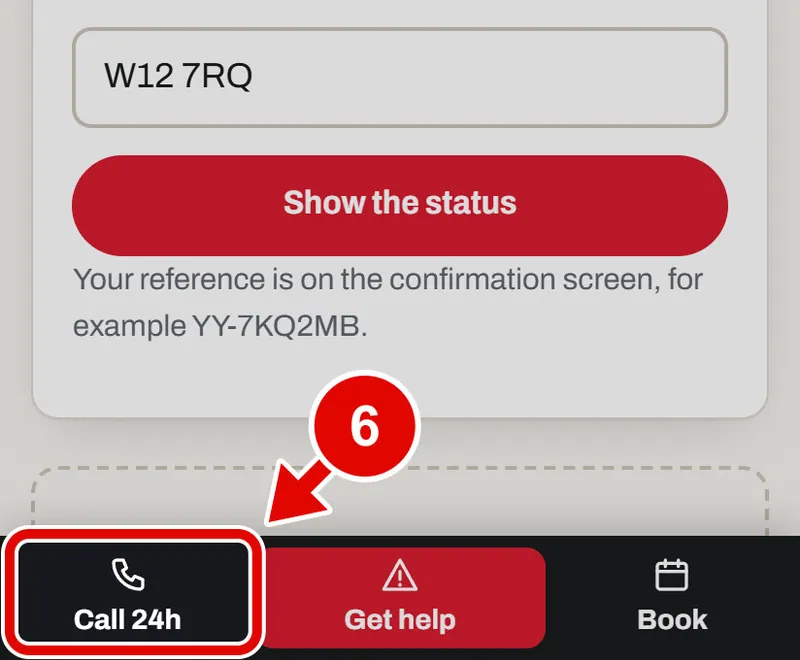
Step 6. Lost your reference? Tap Call 24h, or ring 01895 271400. Give your name and postcode.