Part 1 of 24
Open the website
The website is a private sample. It asks for a name and a password before it opens. You only do this once.
Step 1. Open Chrome, or any web browser. Click the long box at the top. Type yys.itsupportworld.co.uk and press Enter.

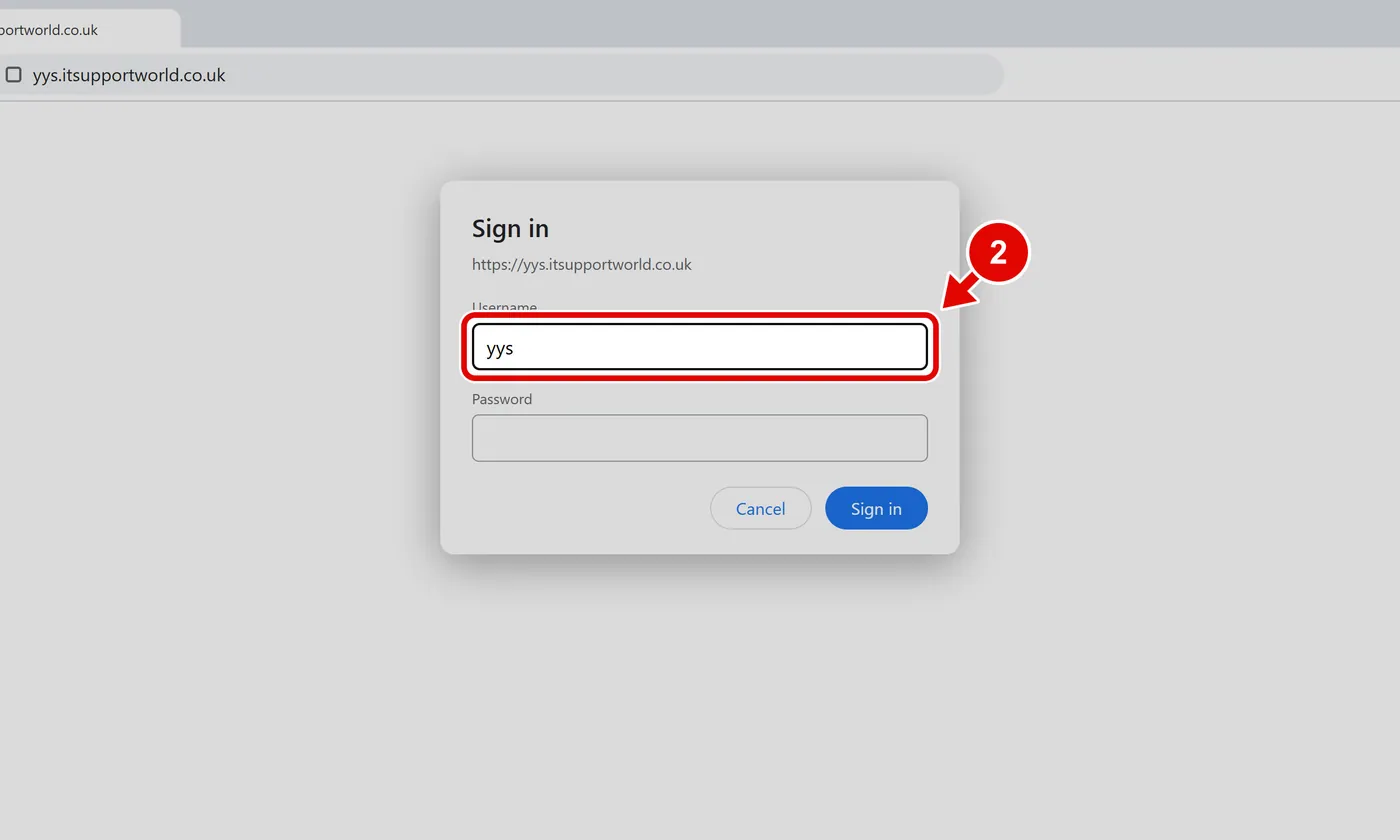
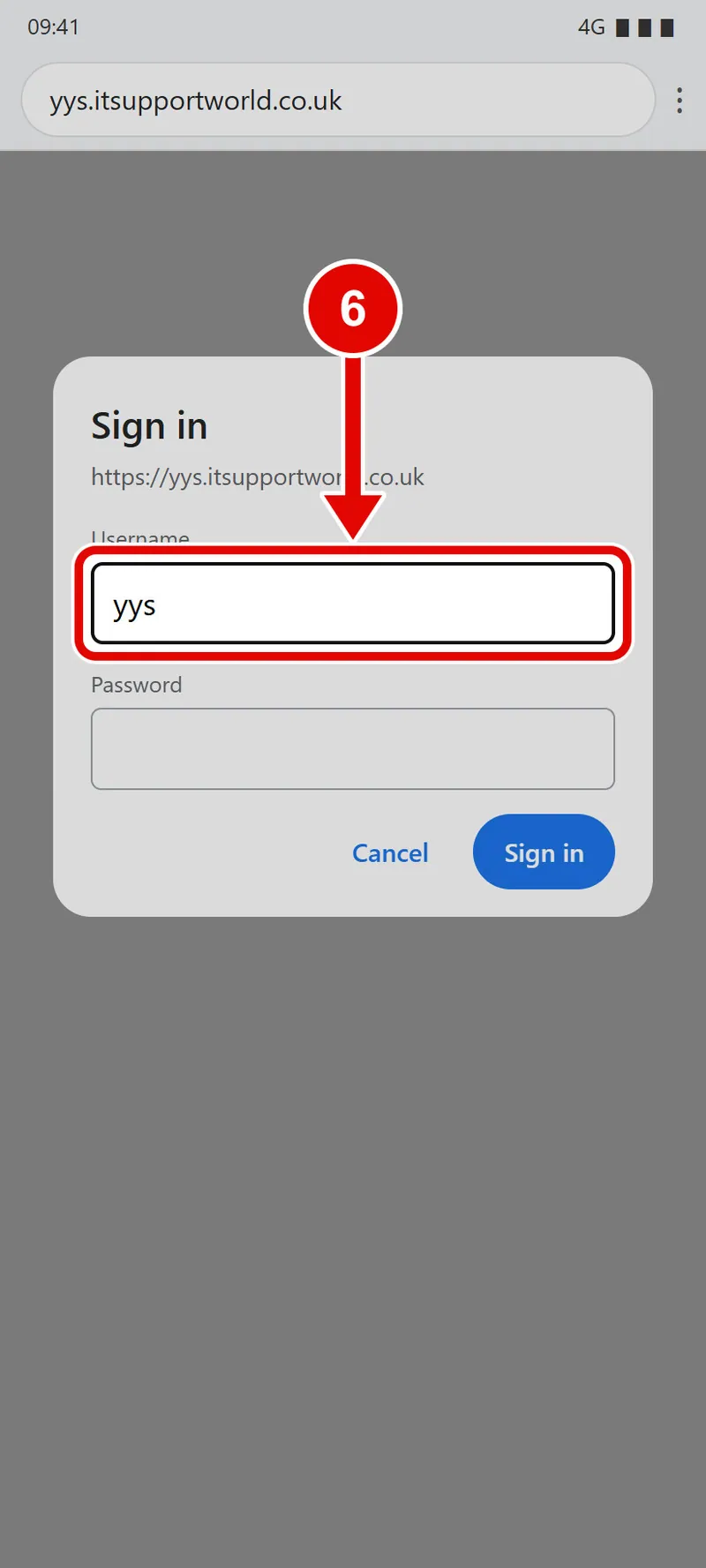
Step 2. A box called Sign in pops up. In Username, type yys.
Good to know: This box is not part of the YY website. It is a lock on the door of the sample.
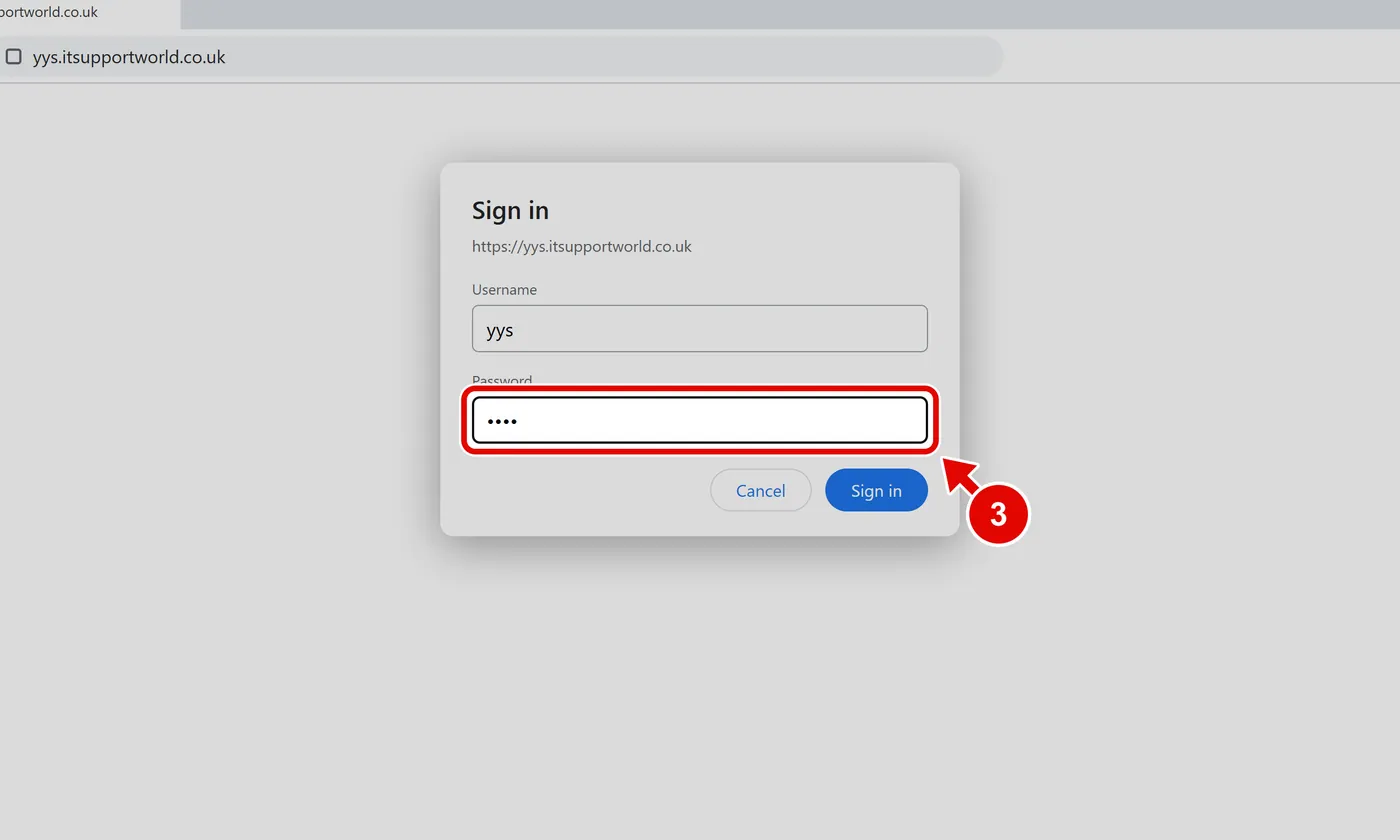
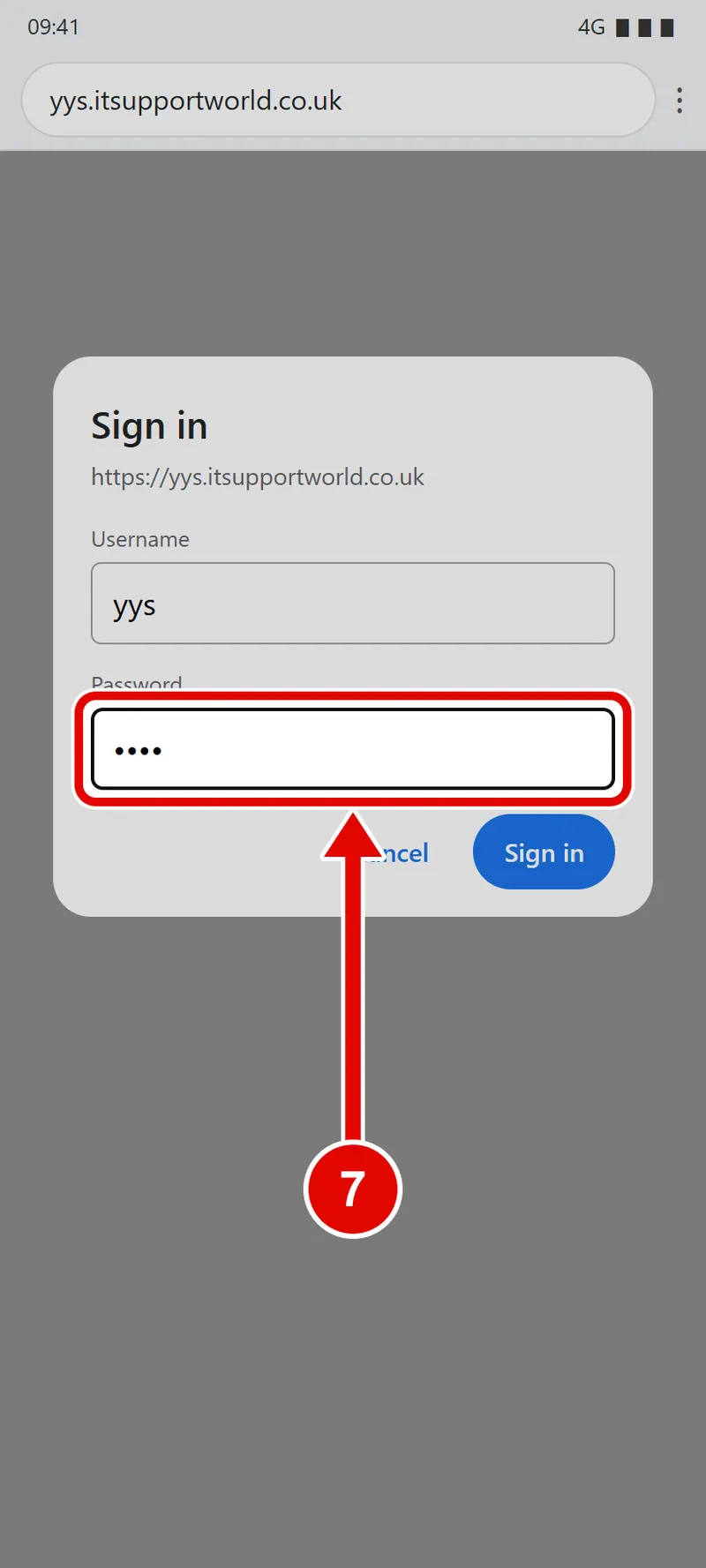
Step 3. In Password, use the account details issued by YY.
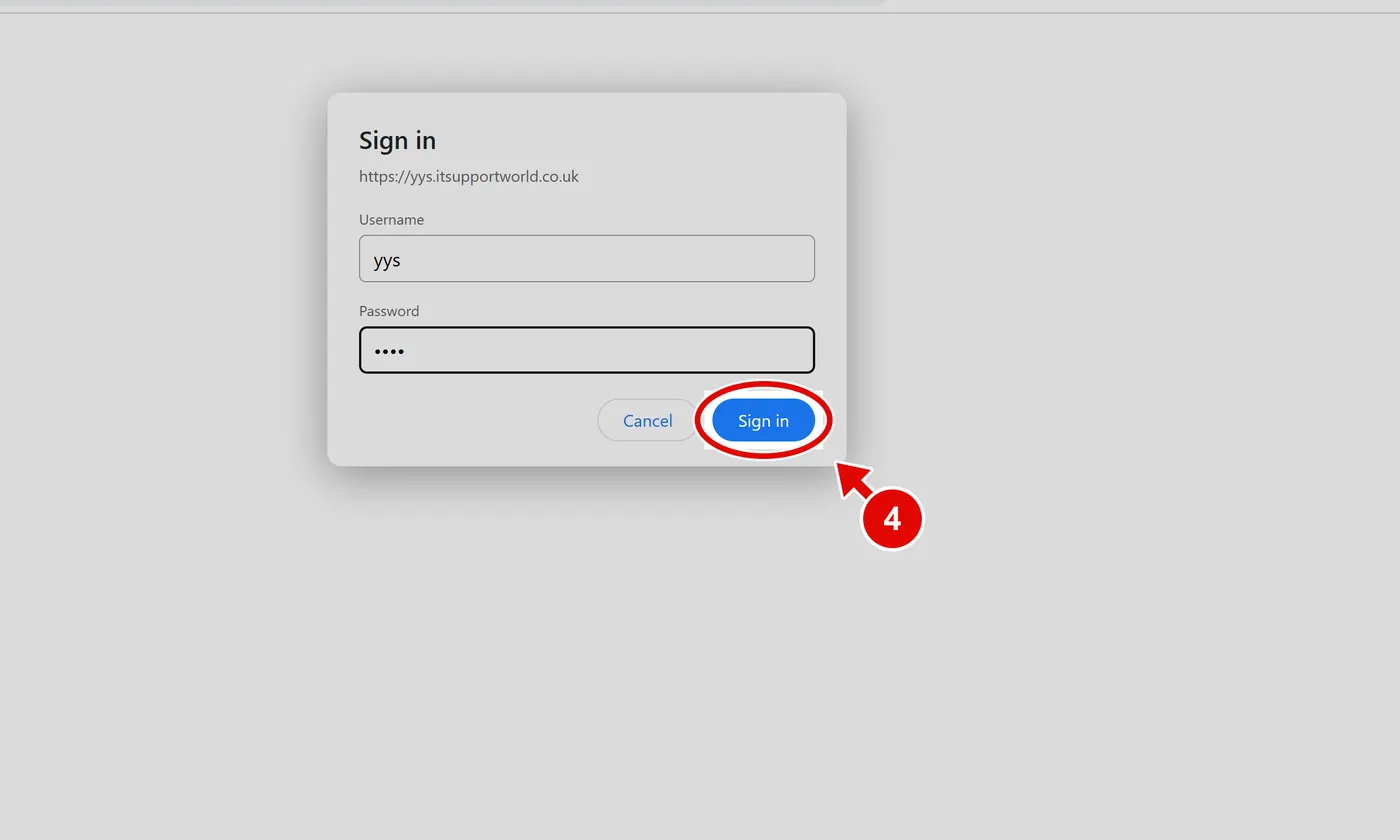
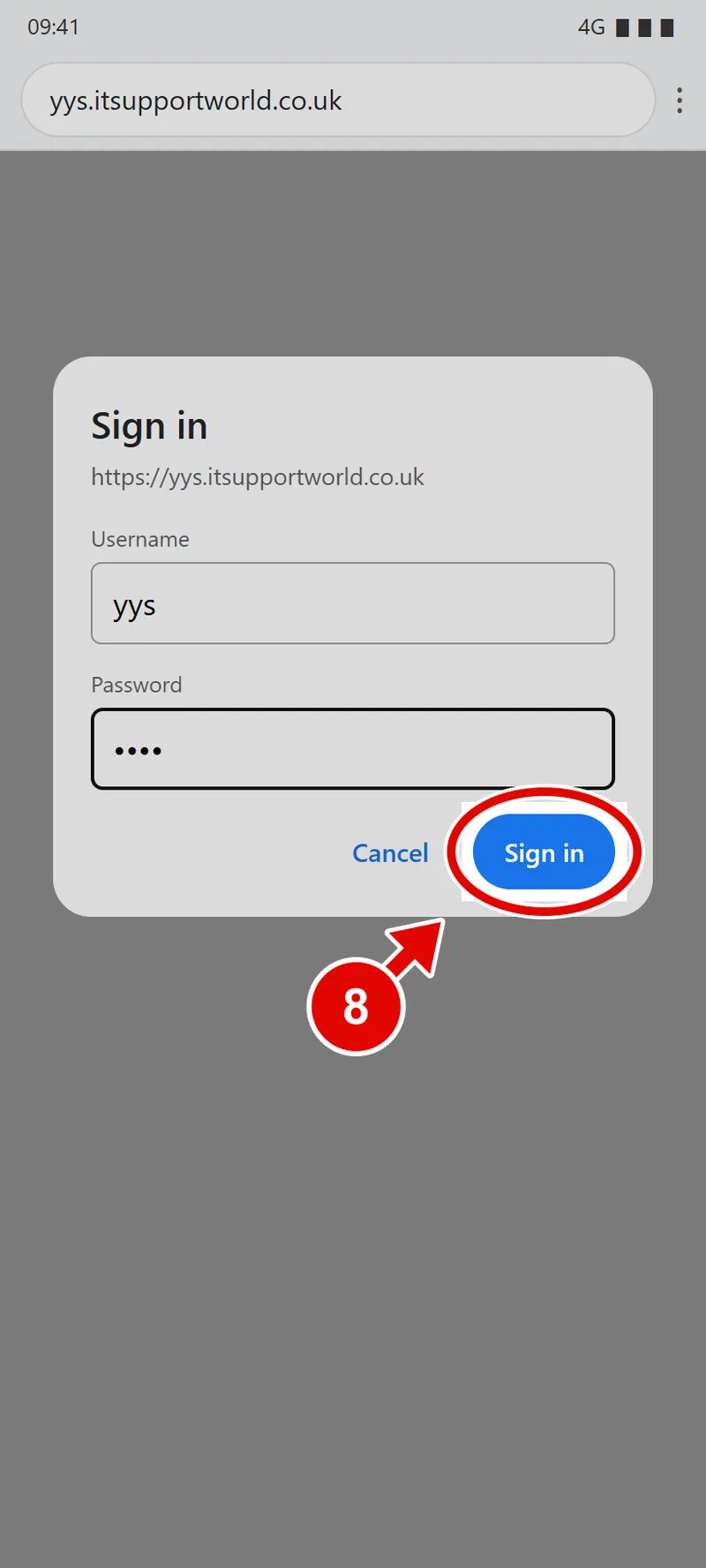
Step 4. Click Sign in.
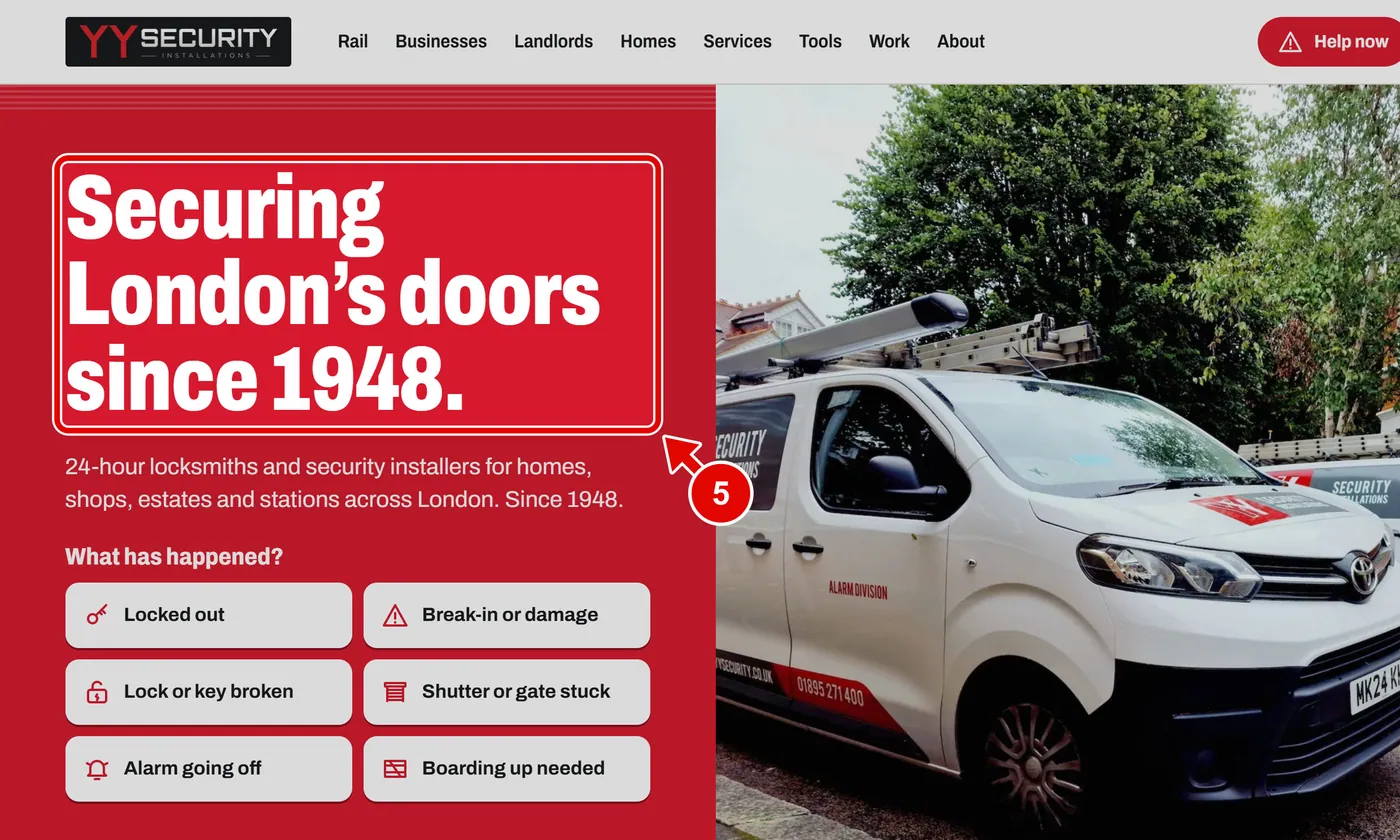
Step 5. The YY Security home page opens. You are in.
Step 6. On a phone it is the same. Type the address, then type yys in Username.
Step 7. use the account details issued by YY in Password.
Step 8. Tap Sign in.
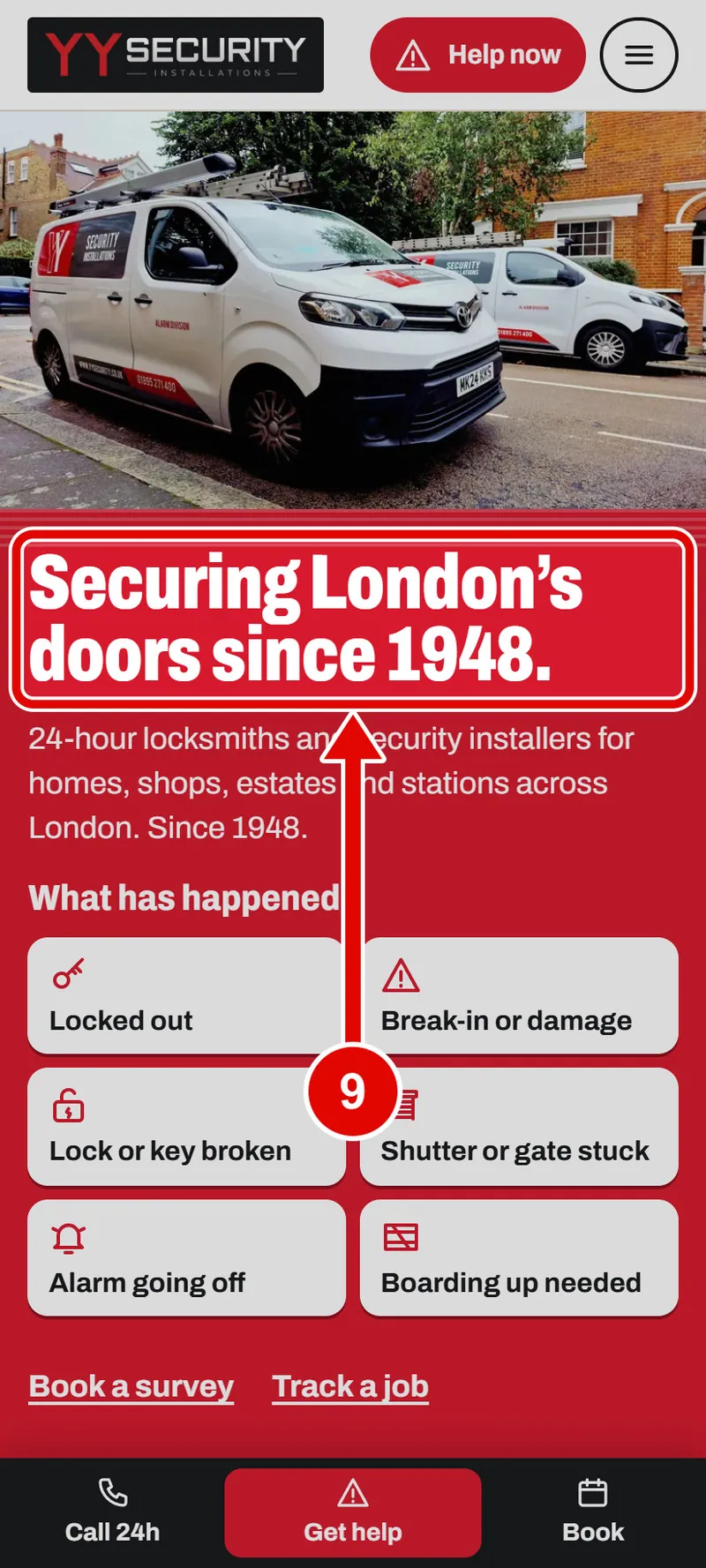
Step 9. The home page opens on your phone.