Part 2 of 24
Find your way on a computer
The top bar is on every page. It never goes away, even when you scroll down.
Step 1. The YY logo is at the top left. Click it any time to go back to the home page.

Step 2. These words are the menu. Click one to open that page: Rail, Businesses, Landlords, Homes, Services, Tools, Work or About.

Step 3. The red Help now button is for when something has gone wrong.

Step 4. This is the 24-hour phone number, 01895 271400. Click it to ring YY if your computer can make calls.

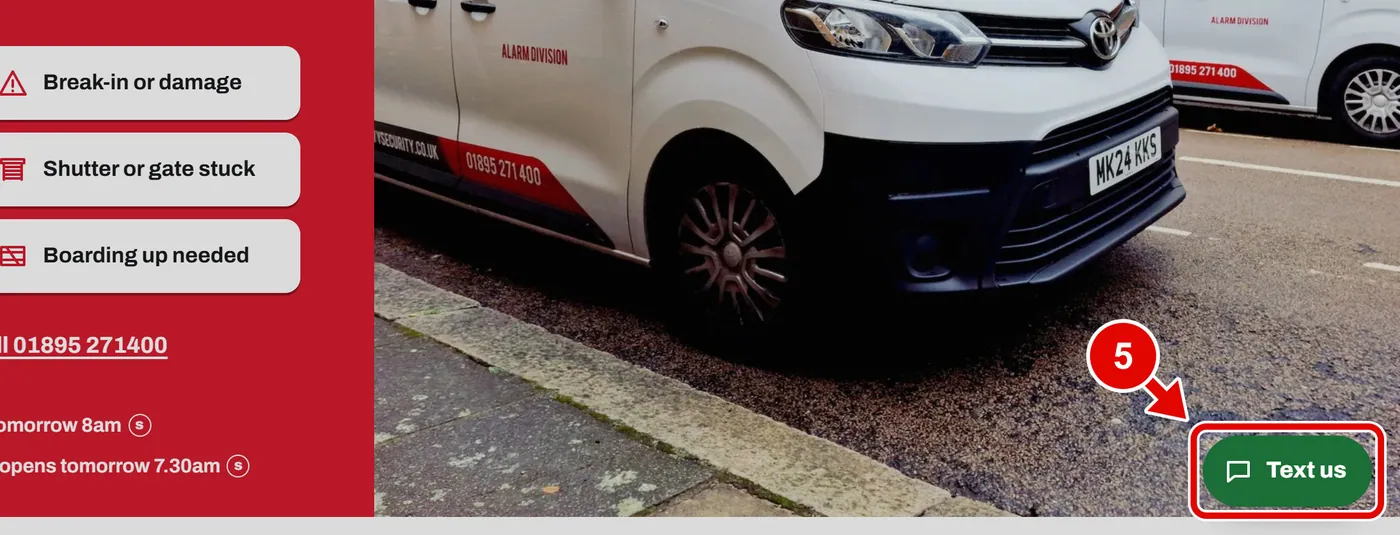
Step 5. The green Text us button sits in the bottom corner. Click it to write to YY. It opens the Book a survey form.
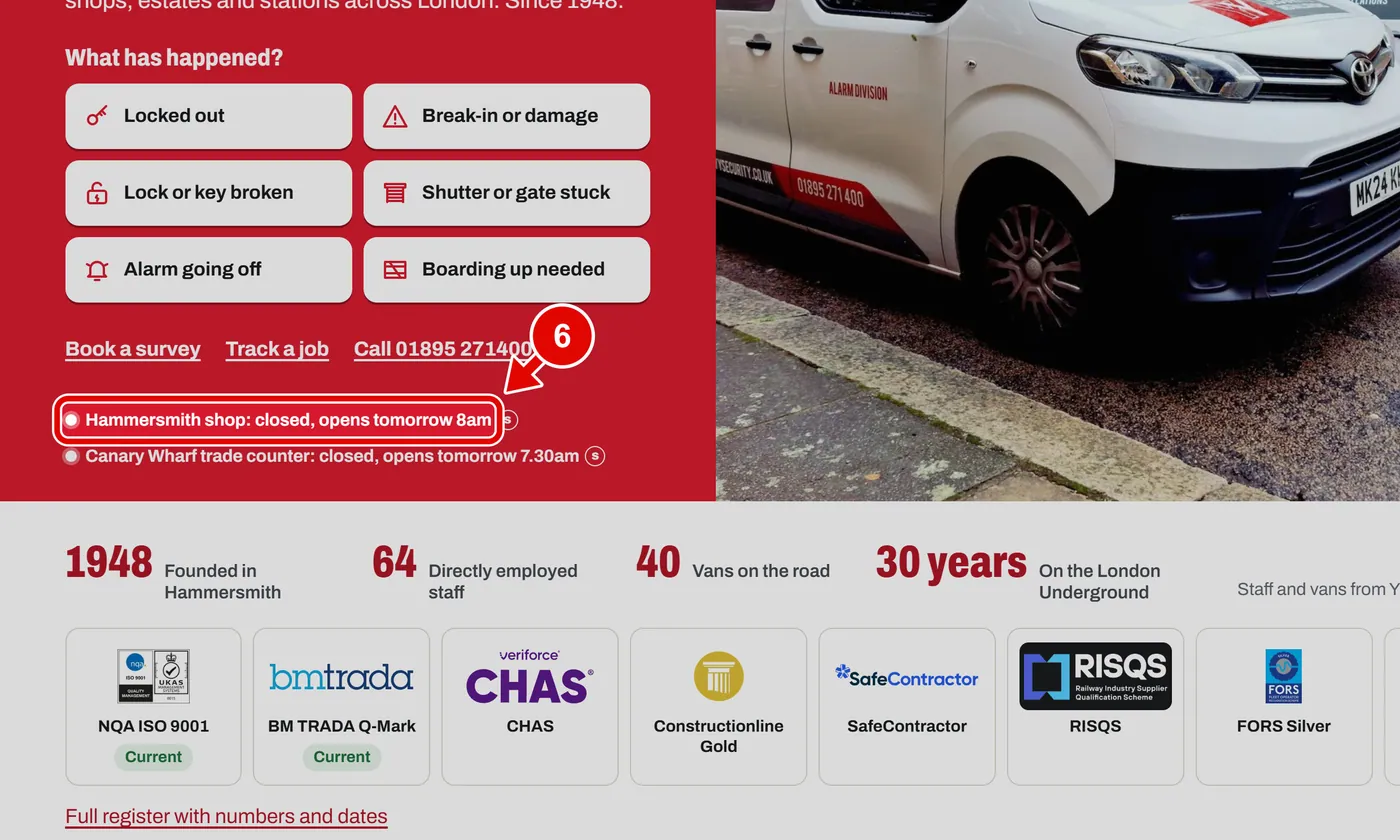
Step 6. This little label says if a shop is open right now. If it is closed, it says when it opens.
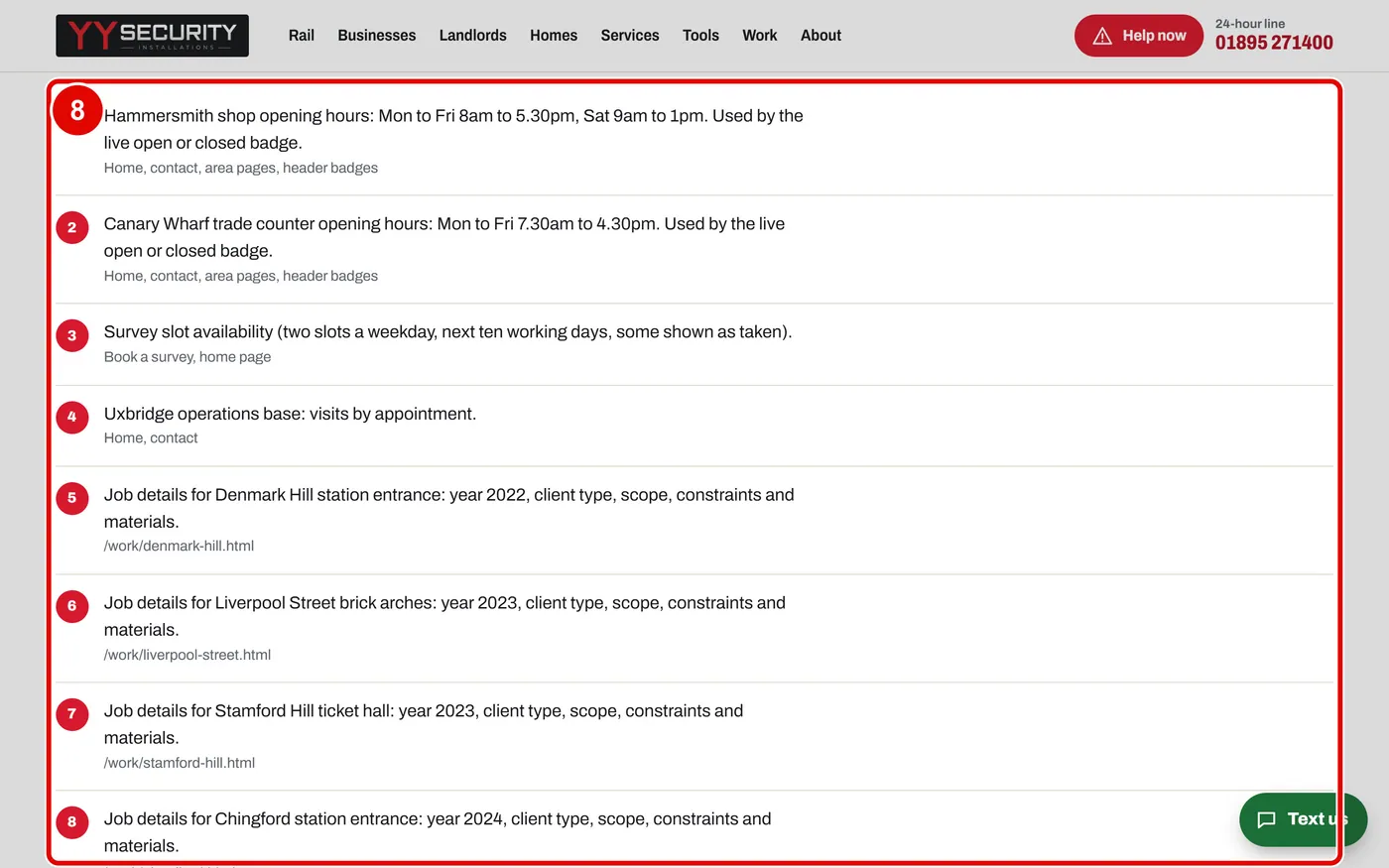
Step 7. A small s in a circle means sample. These words or numbers are made up for the sample. YY will check them before the real website goes live.
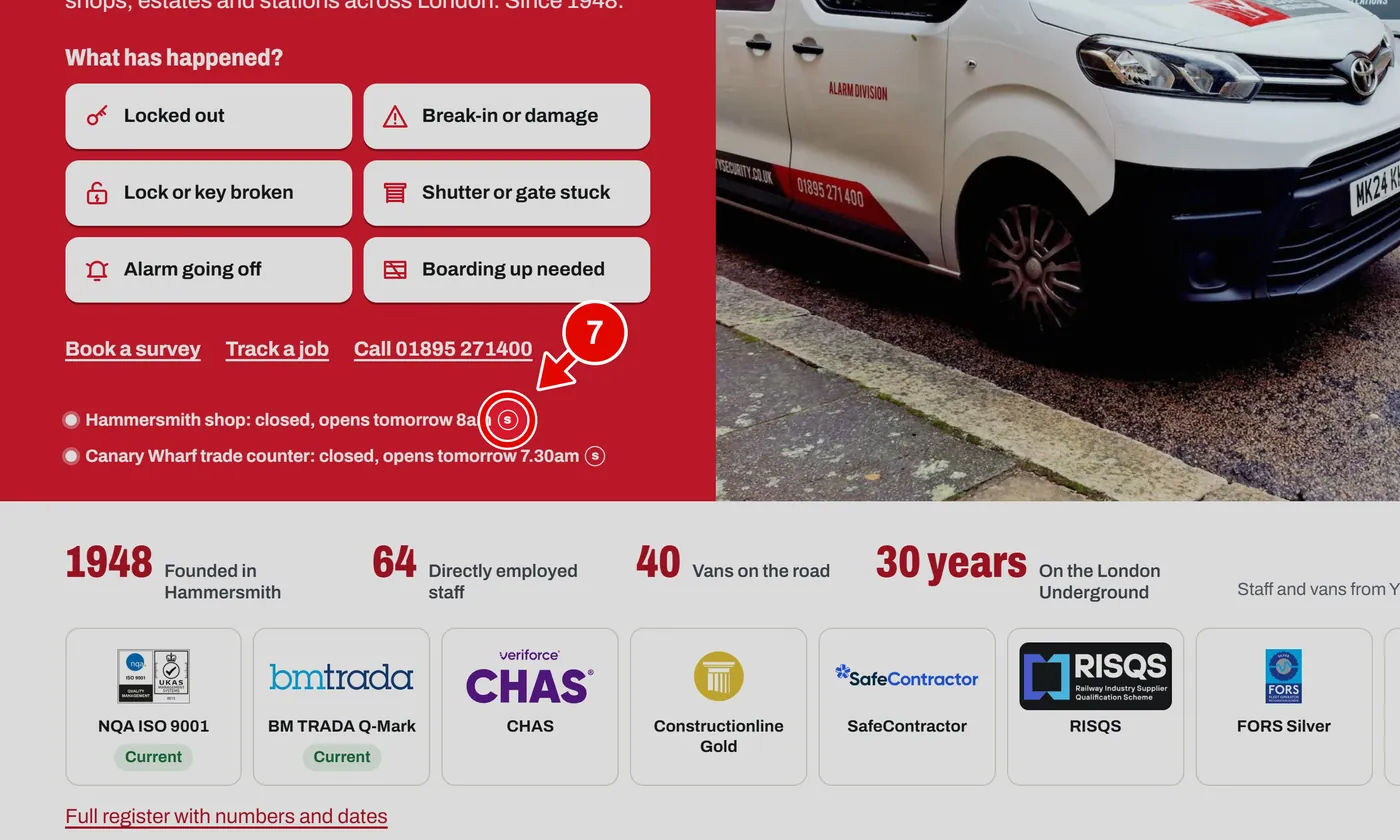
Step 8. Click any s and the Sample content page opens. It lists every made-up item in one place.
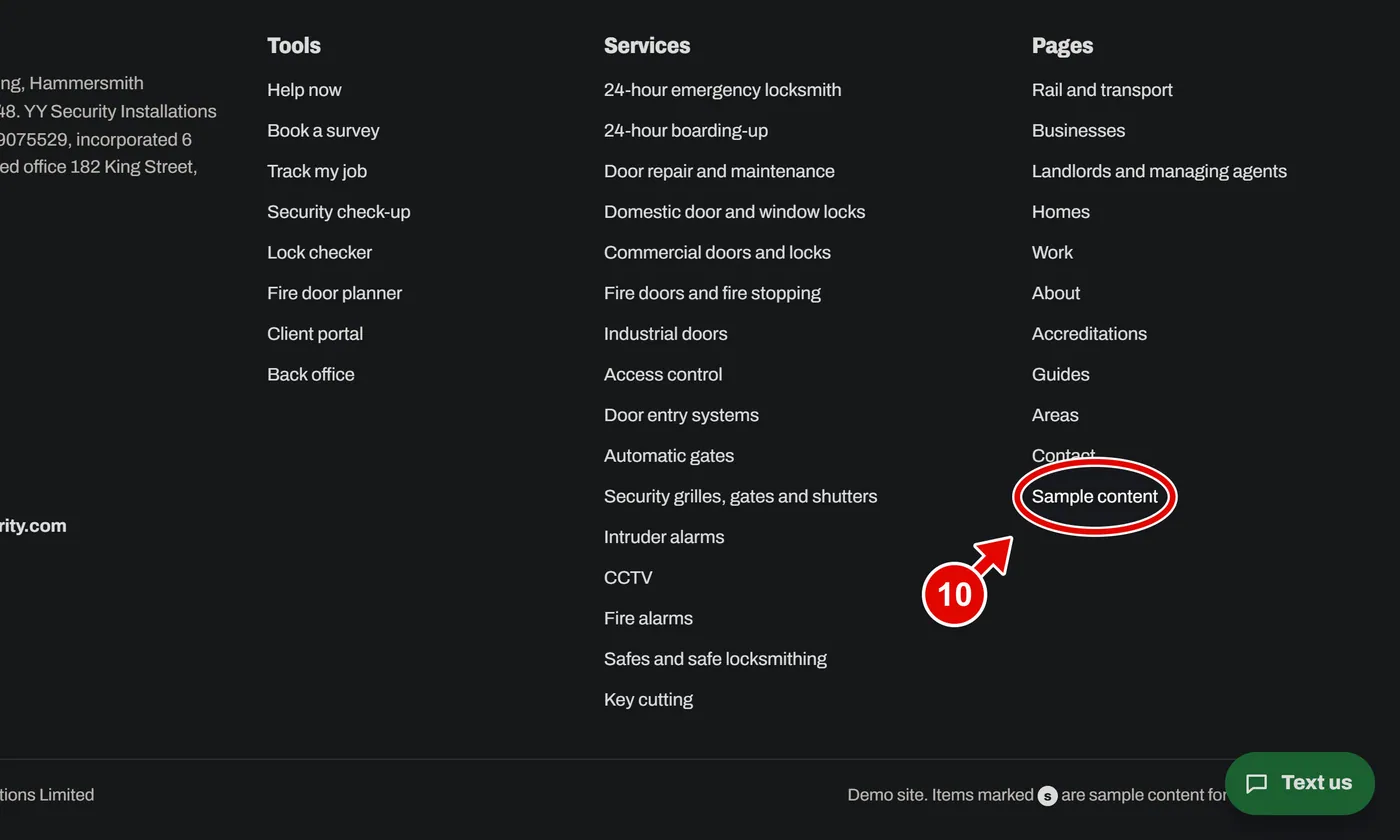
Step 9. Scroll to the very bottom of any page. This is the footer. It has links to every tool, every service and every page.
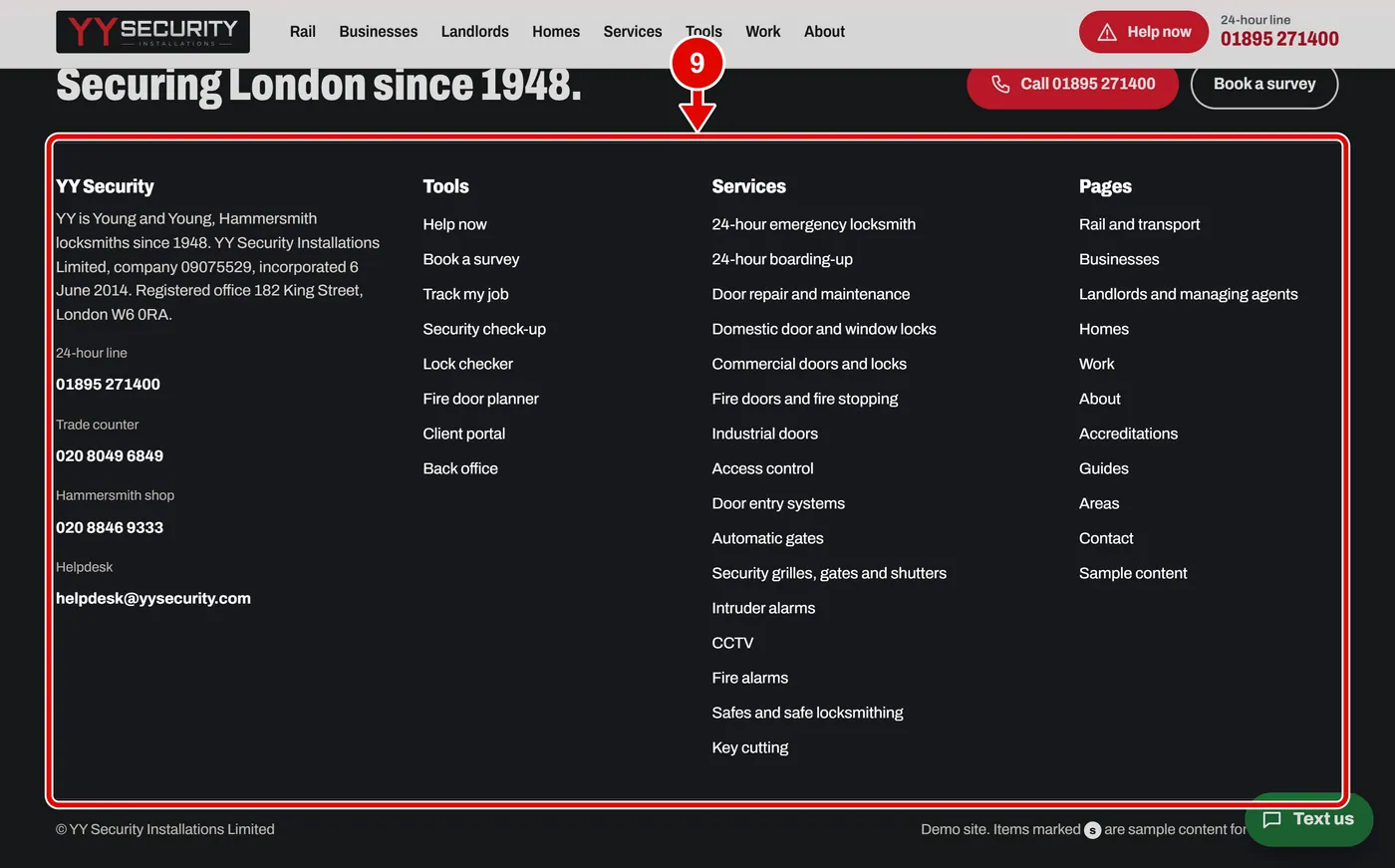
Step 10. The Sample content link is in the footer too.